/
/
/
Asset Management
BHARAT AI ERP · ASSET MANAGEMENT

Asset Management Software

Know which assets your organisation holds, where they are located and who is responsible for them. Bharat AI ERP brings barcode or RFID tagging, location and custody records, maintenance schedules and audit reports together, giving factories, offices and institutions a practical foundation for everyday asset control.
● ● ●
Asset Management Software
CONCEPT PREVIEW

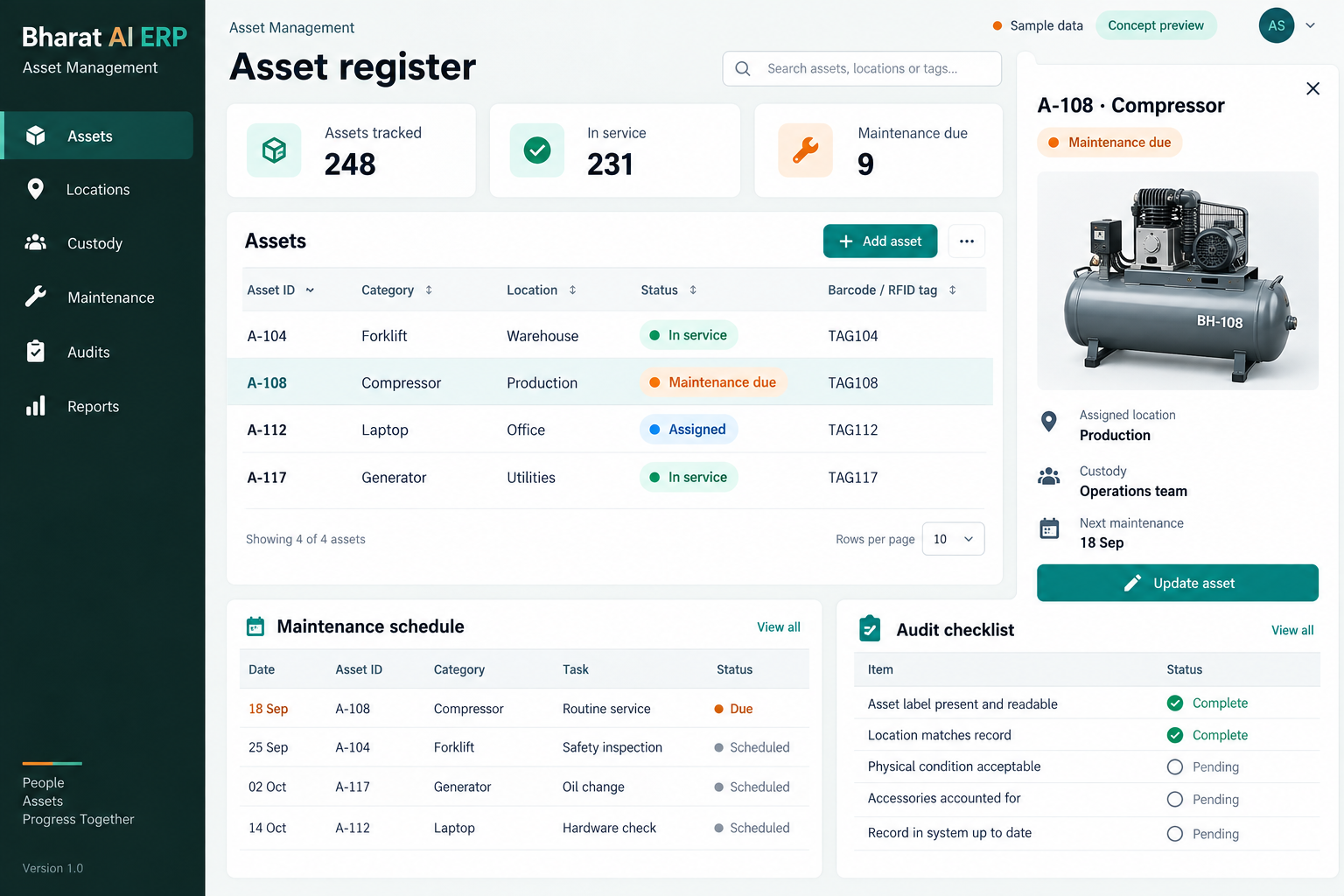
Illustrative interface with sample data. Select the image to explore it at full size.

BUILT FOR YOUR BUSINESS

A better fit for your daily work.

Factories and engineering units
Schools and institutions
Offices with shared equipment
Facilities and administration teams

Equipment moves without clear records

An asset list quickly becomes unreliable when desks, machines or devices change location. Location and custody tracking help teams understand the last recorded position and the person responsible for an item.

Physical checks take too long

Reading equipment descriptions from a spreadsheet can make an audit slow and inconsistent. Barcode or RFID identification gives the verification process a clearer asset reference to work with.

Maintenance is remembered informally

When service dates live in individual calendars or notebooks, scheduled work becomes difficult to oversee. Maintenance schedules and due alerts help the responsible team review upcoming requirements together.

SOFTWARE CAPABILITIES

Everything your team needs, connected.

01

Asset register

Maintain the working list of assets used by your organisation.

02

Barcode identification

Use barcode tags to give each asset a consistent reference during identification.

03

RFID asset tagging

Discuss RFID tagging where it suits the physical verification process.

04

Location and custody

Track the recorded location and custodian so staff can answer who holds an item and where it belongs.

05

Maintenance schedules

Keep scheduled maintenance connected to the asset record.

06

Audit reports

Use asset audit reports to review verification work and investigate discrepancies.

HOW IT WORKS

From the first task to a clearer daily picture.

01

Build the opening register

Collect existing asset lists and agree a consistent naming and identification method. Resolve duplicate entries before labels are applied or records are used in an audit.

02

Tag and identify

Assign the agreed barcode or RFID reference to representative assets. Test whether the tag remains readable and practical in the actual place where the equipment is used.

03

Record responsibility

Enter the location and custodian for each asset. Train the responsible team on how records should be updated when equipment is handed to another department or employee.

04

Plan maintenance

Review scheduled service requirements and due alerts. Use the asset record to give the maintenance team the context needed to organise the work.

05

Verify and investigate

Run the agreed physical check and review the audit report. Investigate missing or inconsistent records with the custodian before deciding whether the register requires correction.

AI ASSISTANCE

Useful insights. Your team in control.

Use forecasts and alerts to guide your review, with people making the final decisions.

Maintenance due attention

Surface maintenance dates that need a review so the team can organise service work. These alerts support the schedule; they do not by themselves measure a machine’s physical condition.

Plain-language asset questions

Discuss Tamil or English questions about the asset records you maintain. The ERP’s plain-language analysis should be demonstrated against the asset fields and information included in your project.

Expense pattern review

If maintenance expenses are included in your ERP scope, discuss anomaly review for unusual spending. Confirm the available records and reporting before relying on a specific asset-cost insight.

REPORTS AND VISIBILITY

A clear view of what matters.

Location and custody register

Review where assets are recorded and who holds responsibility. Useful for department reviews and questions raised when staff or equipment move.

Physical audit report

Review asset verification results and identify records that need investigation. Confirm the audit format and review fields during the demonstration.

Maintenance schedule

Inspect upcoming maintenance requirements and organise service work around operational availability and the responsible team’s capacity.

Management asset overview

Discuss the location, category and responsibility views needed by management. Agree the exact dashboard breakdowns using a sample of your asset list.

EQUIPMENT AND SETUP

Made to work with the right tools.

Bring your existing equipment details. We’ll review compatibility, connectivity and the modules needed for your installation.

YOUR SETUP CHECKLIST
GETTING STARTED

A practical plan for moving forward.

01

Inspect the asset environment

Review the types of equipment, materials and locations involved. Choose identification methods that suit how assets are handled and where labels or tags will be placed.

02

Clean the register

Prepare asset names, identifiers, locations and custodians. Check a physical sample against the spreadsheet so old records are corrected before import.

03

Pilot tagging and verification

Test a small group of representative assets with the proposed scanner or RFID setup. Confirm readability and the staff workflow before extending tagging across the organisation.

04

Train custodians and reviewers

Explain record updates, maintenance checks and audit responsibilities. Agree who investigates discrepancies and when the asset register will be reviewed after rollout.

COMMON QUESTIONS

Before you choose your software.

Should we use barcode or RFID tags?

Both are part of the asset-management offering. The choice depends on the assets, environment and verification process. Test representative equipment before deciding which tagging method suits your organisation.

Yes. Custody and location tracking are core capabilities. Define how your team records a handover and updates responsibility when equipment or staff move.

Location tracking refers to the configured asset workflow. Continuous live positioning is a separate requirement to discuss; it should not be assumed from barcode or RFID tagging alone.

Yes. Maintenance schedules and due alerts are included. Bring your service intervals and existing schedule so the demo can show how the team would review upcoming work.

That requirement needs a specific scope discussion. Share your depreciation process and required reports with the ERP team so availability and configuration can be confirmed during the demo.

LET’S TALK ABOUT YOUR BUSINESS

See your workflow in action.

Bring your real tasks and questions. We’ll use them to discuss the right configuration, equipment and rollout.

A USEFUL STARTING POINT
KEEP EXPLORING

More ways to support your business.

BHARAT AI ERP

ERP

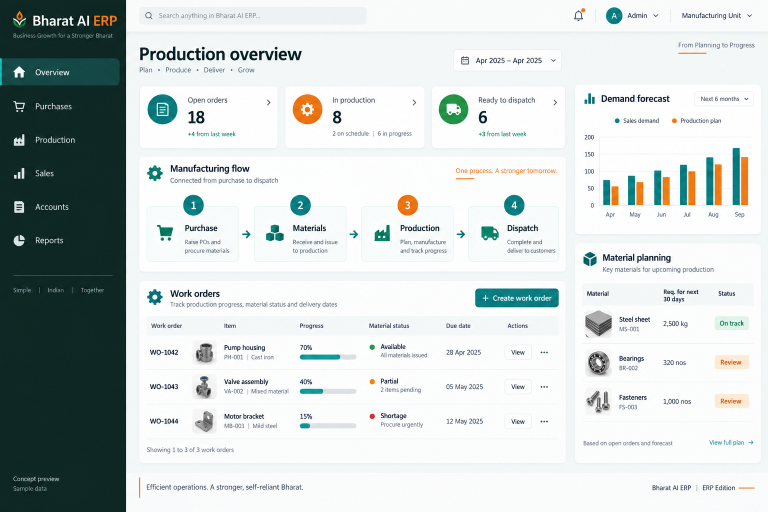
Connect purchase, sales, production, accounts and people operations in a business system built around your daily work.

BHARAT AI ERP

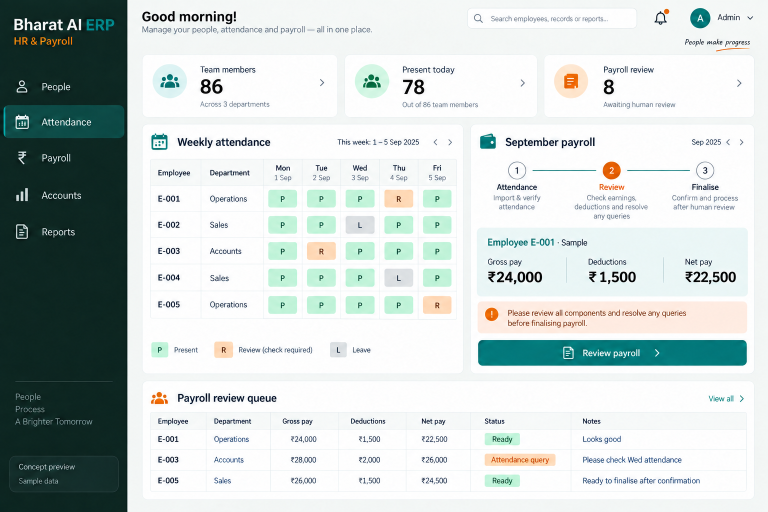
Keep employee information, attendance and payroll within the same back-office working process.

BHARAT AI AUTOMATION

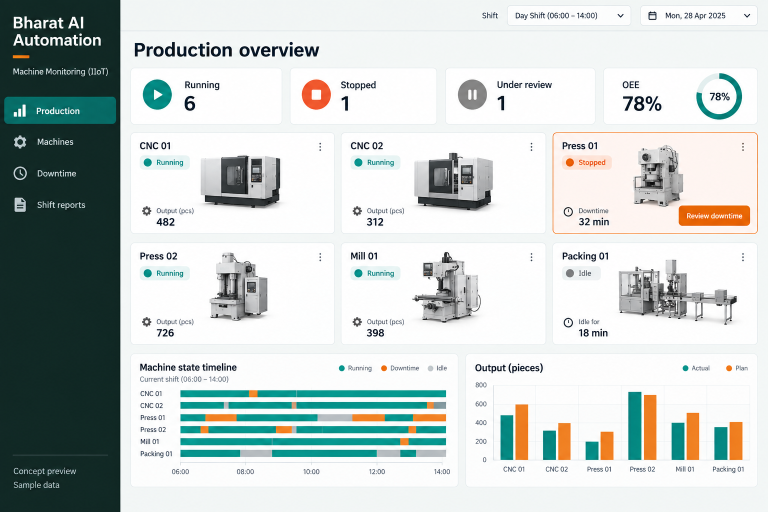
Understand what your machines produced, when they stopped and where the next investigation should begin.