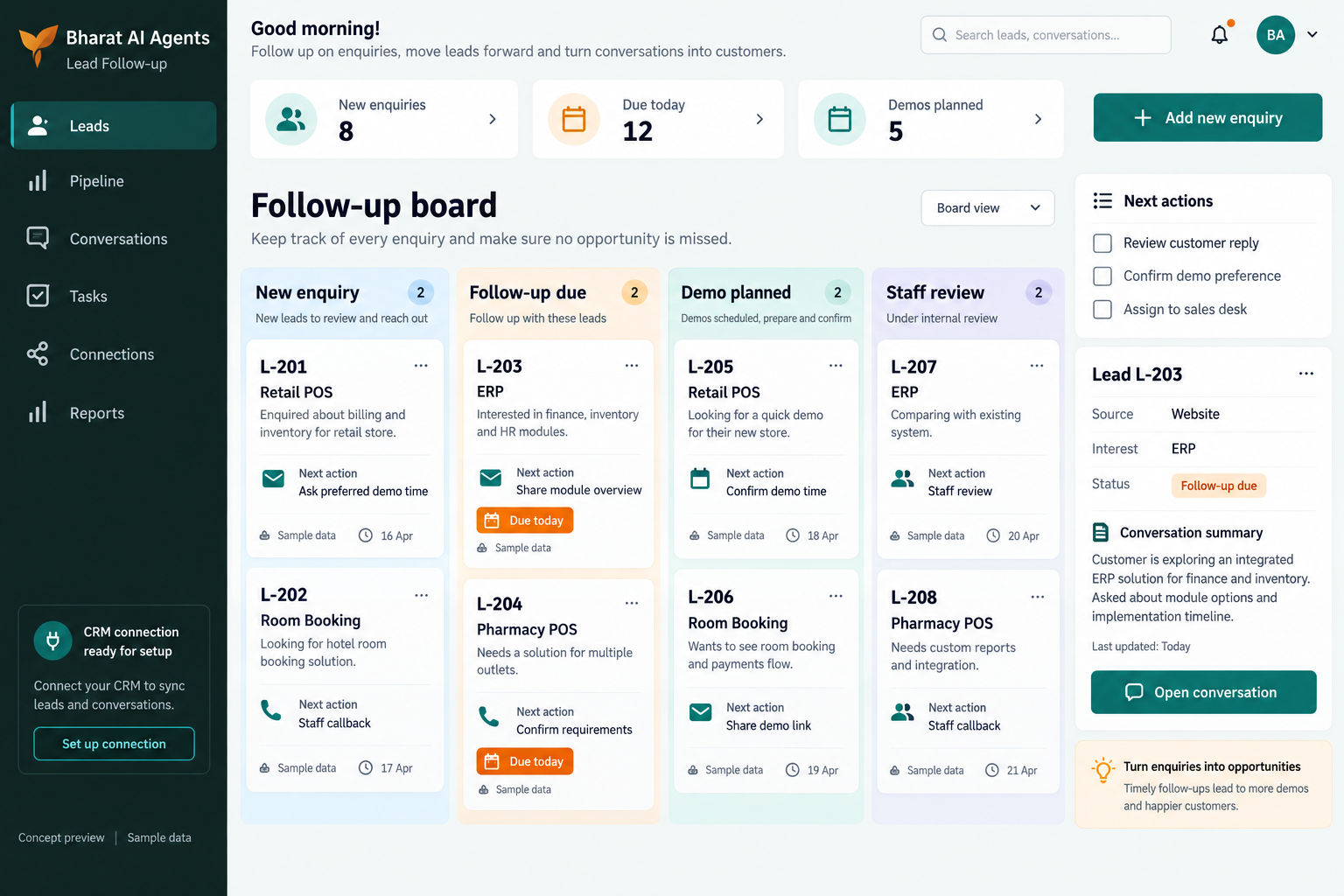
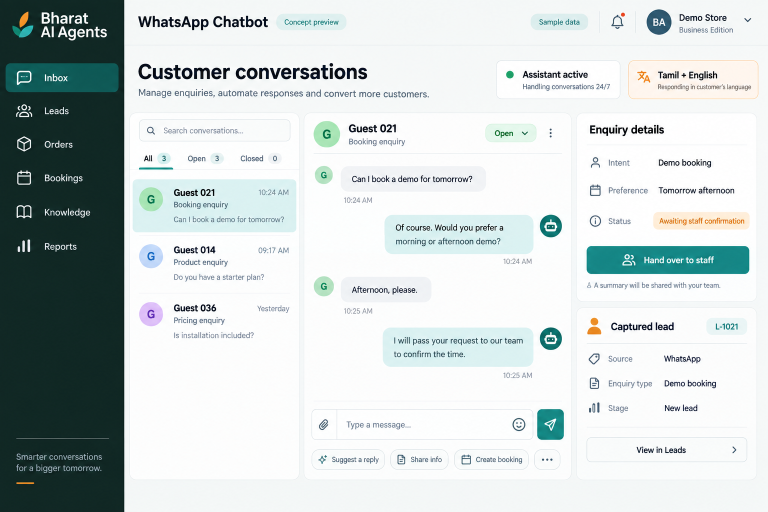
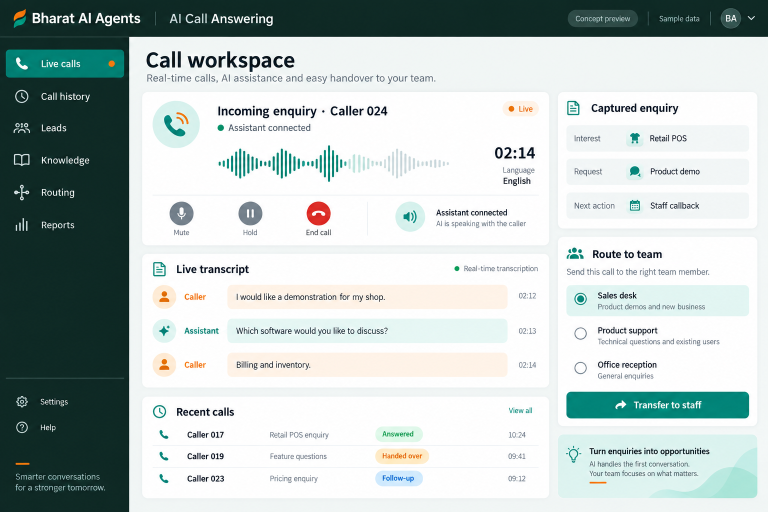
Keep useful enquiries moving after the first conversation. Bharat AI Agents captures lead details, supports agreed follow-up in Tamil and English and brings staff into the conversation when needed, helping businesses organise the next step for people who have asked about their products, services, orders or bookings.
Staff often intend to respond after checking a price, product or appointment, then become busy with new work. An agreed follow-up process helps keep the next conversation tied to the original request.
Lead context is spread across channels
A person may enquire by WhatsApp, call later and ask another question on the website. Capturing the required details in a working lead destination gives staff a more useful basis for continuing the conversation.
Repeated messages lack relevance
A generic reminder does not always answer what the customer needs. Configure follow-up around the enquiry’s purpose, the customer’s requested contact and the point where staff should step in.
SOFTWARE CAPABILITIES
Everything your team needs, connected.
01
Lead capture
Capture enquiries with the details your staff need to respond.
02
CRM or Google Sheets destination
Send lead information to the agreed CRM or Google Sheets workflow.
03
Automatic follow-up workflow
Configure follow-up for customers who have asked for further contact.
04
Conversation-based information gathering
Use customer replies to gather the information needed for the next step.
05
Orders and bookings
Capture order or booking requests that emerge during follow-up.
06
Staff handover and business connections
Hand over when a person is needed and discuss relevant Bharat AI POS or ERP connections.
Record the customer’s stated requirement and the agreed contact information. Make sure the lead includes enough context for another staff member to understand the request.
02
Agree the next contact
Define why follow-up is useful and when the customer wants to hear from the business. Respect communication preferences and establish when the sequence should stop.
03
Continue the conversation
Use the configured assistant to follow up with relevant, approved information. Clarify the customer’s requirement without making unverified promises about price, availability or outcomes.
04
Bring in the responsible person
Hand the conversation to staff when the customer asks for a person or the request needs judgment. Check that the receiving team has the relevant captured details.
05
Review the outcome
Review what happened to the enquiry in the agreed lead workflow. Use unresolved questions and staff feedback to improve the follow-up content and handover rules.
AI ASSISTANCE
Useful insights. Your team in control.
Use forecasts and alerts to guide your review, with people making the final decisions.
↗
Tamil and English responses
Continue the conversation in Tamil or English using the business information you approve. Test the language and tone with common customer questions before the workflow is launched.
↗
Understanding voice and text
Support customers who respond by typing or voice where the configured channel allows it. Check how requirements are captured and clarified before they are passed to staff.
↗
Follow-up with human handover
Let the assistant handle agreed routine follow-up while staff take over when needed. The objective is a relevant next step, with people retaining responsibility for commitments and business decisions.
REPORTS AND VISIBILITY
A clear view of what matters.
↗
New enquiry review
Review captured leads in the agreed CRM or sheet. Confirm the fields that help staff understand the requirement and identify the next action.
↗
Follow-up work review
Discuss how staff will see enquiries requiring further contact and completed interactions. Agree the exact status information and working view during the demo.
↗
Handover review
Check the enquiries passed to staff and the context provided. Demonstrate how your team will identify a conversation needing human attention.
↗
Outcome and content review
Review enquiry outcomes and recurring customer questions using the agreed records. Confirm any required conversion dashboard or export as a specific project requirement.
EQUIPMENT AND SETUP
Made to work with the right tools.
Bring your existing equipment details. We’ll review compatibility, connectivity and the modules needed for your installation.
YOUR SETUP CHECKLIST
Staff phones or computers for enquiry handling
Business WhatsApp setup if that channel is selected
Existing CRM or Google Sheets workflow details
Website, phone and POS or ERP connection details to assess
GETTING STARTED
A practical plan for moving forward.
01
Map the enquiry journey
Choose a common lead from first contact to staff response.
02
Approve follow-up rules
Agree message purpose, timing, contact preferences and stopping conditions.
03
Test replies and handovers
Try interested, unclear and no-longer-interested responses. Check how the configured workflow respects the customer and provides the receiving staff member with useful context.
04
Launch with team review
Train staff on the lead destination and handover process. Review early conversations and adjust approved content when customer questions reveal missing or outdated business information.
Is this for following up people who have enquired?
Yes. This page focuses on relevant follow-up for inbound enquiries and people who have requested further contact. Agree the communication preferences and stopping rules before the workflow starts.
Can leads be sent to Google Sheets?
Yes. CRM or Google Sheets lead capture is part of the Agents offering. Confirm the required fields, the staff workflow and the exact connection during the setup discussion.
Can the follow-up sequence use our own messages?
Provide the approved business information and preferred wording for the team to review. Message content, timing and the supported sequence should be agreed and demonstrated before launch.
What happens if the customer wants a person?
Human handover is a core capability. Configure the relevant situations and test how the receiving staff member sees the enquiry and the information already captured.
Does it guarantee more sales?
No fixed sales outcome is promised. The software supports consistent enquiry handling and follow-up; results depend on lead quality, customer needs, the offer and how your staff complete the next step.
LET’S TALK ABOUT YOUR BUSINESS
See your workflow in action.
Bring your real tasks and questions. We’ll use them to discuss the right configuration, equipment and rollout.