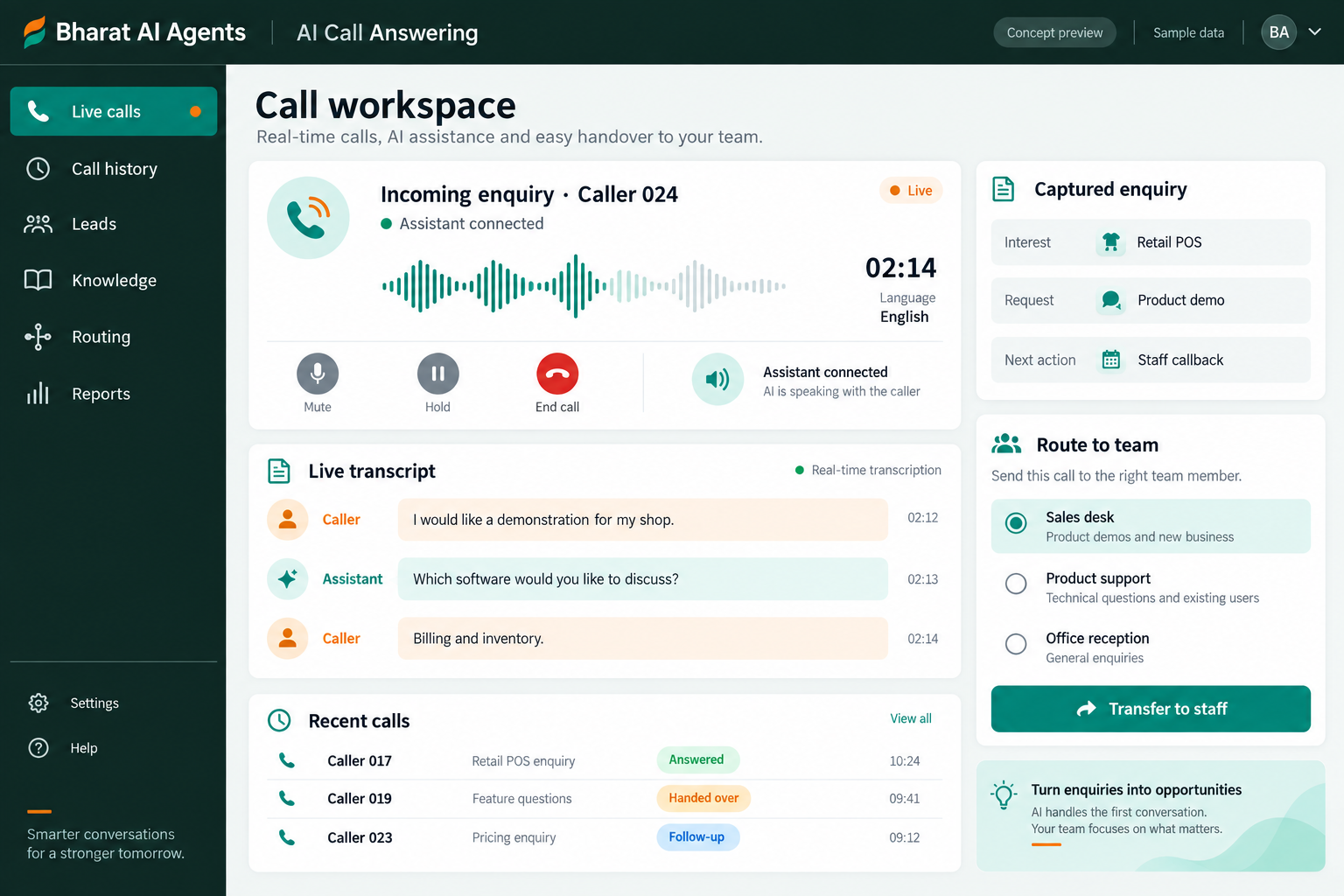
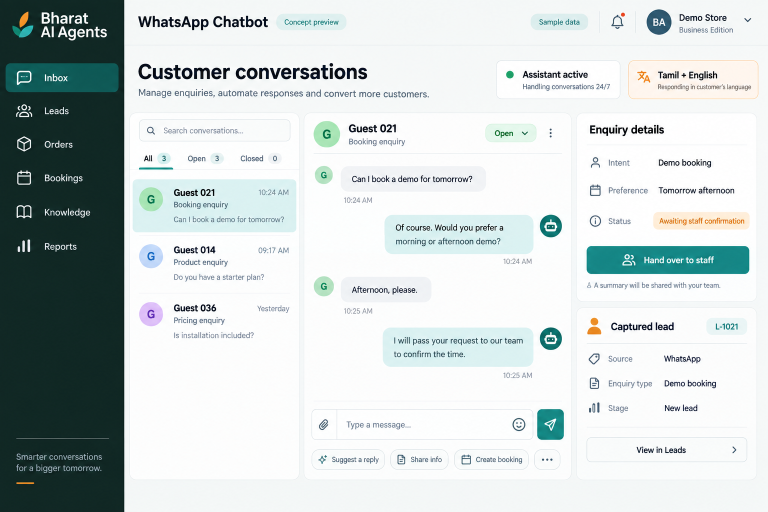
Give incoming callers a way to explain what they need when your team is busy or away from the desk. Bharat AI Agents supports Tamil and English customer conversations, captures enquiry and booking details and hands requests to staff, with the call setup agreed around your business’s actual phone workflow.
A phone can ring while the team is attending a customer or completing another task. An answering assistant can gather the caller’s requirement so staff have useful information for the next step.
Call notes are incomplete
Names, requirements and preferred contact times can be missed during a hurried conversation. A structured capture process helps the team agree what information an incoming enquiry should include.
Routine and complex calls are mixed
Common business questions can consume the same staff time as a request needing judgment. An AI answering workflow can cover approved information and pass more demanding situations to people.
SOFTWARE CAPABILITIES
Everything your team needs, connected.
01
Incoming call workflow
Design the answering process around your business phone setup and operating hours.
02
Approved business answers
Provide the business information the assistant may use when answering common enquiries.
03
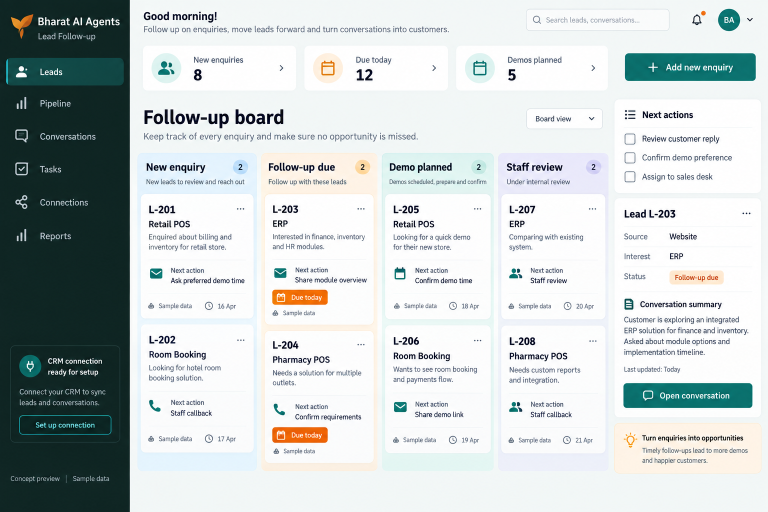
Enquiry and lead capture
Collect the caller’s requirement and the agreed contact details as part of the conversation.
04
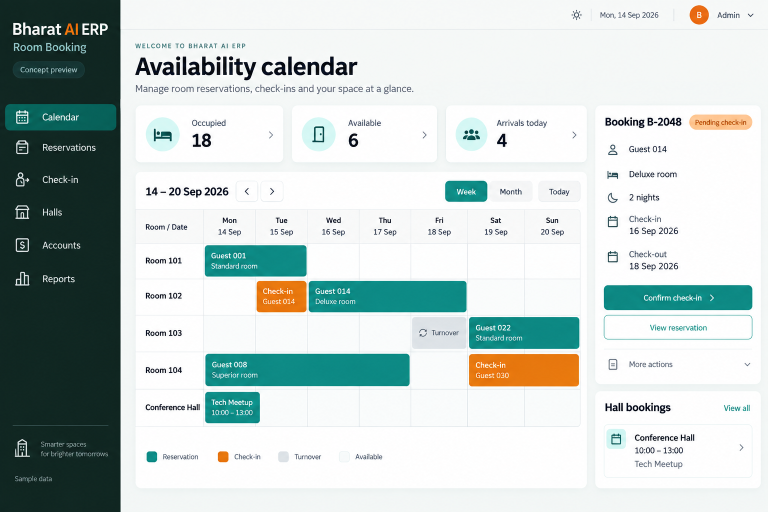
Order and booking requests
Capture the information needed for an order or booking enquiry.
05
Lead destination and business connection
Send captured lead information into the agreed CRM or Google Sheets workflow.
06
Human handover process
Bring staff into the workflow when a caller needs a person or the question exceeds the assistant’s role.
List the types of incoming calls the assistant should handle. Agree the greeting, approved answers and the situations that require a staff member.
02
Understand the caller
The assistant listens to the enquiry in the supported language. Test how it clarifies names, business terms and requirements rather than assuming an unclear answer is correct.
03
Capture the request
Gather the agreed enquiry, order or booking details. Keep the conversation focused on information needed by the team that will handle the next action.
04
Route the next step
Use the configured lead destination and handover process. Check what the staff member receives and how the caller is told what will happen next.
05
Review and improve
Review representative outcomes with the receiving team. Update approved information and clarify handover rules when recurring questions show that the workflow needs refinement.
AI ASSISTANCE
Useful insights. Your team in control.
Use forecasts and alerts to guide your review, with people making the final decisions.
↗
Tamil and English conversations
Support callers who prefer either Tamil or English. Demonstrate natural customer phrases, local names and mixed-language questions to assess the experience for your audience.
↗
Voice understanding
Use voice understanding to identify the caller’s need and gather relevant details. Test realistic audio conditions and the clarification process; recognition quality can vary with the available audio.
↗
Follow-up with staff escalation
Use the agreed follow-up workflow for people who request further contact. Keep timing, communication preferences and staff escalation clear so the next interaction remains relevant to the original enquiry.
REPORTS AND VISIBILITY
A clear view of what matters.
↗
Captured enquiry review
Review the lead information delivered to the agreed destination. Confirm the fields staff need to prepare an informed response or callback.
↗
Booking request review
Check the requests captured from calls and the information staff must verify before confirmation. Agree the required view during the demo.
↗
Staff handover review
Inspect representative handover scenarios and confirm how pending staff action is visible within the configured workflow.
↗
Call outcome review
Discuss the operational summaries needed to evaluate the answering process. Confirm reporting, recordings or transcripts individually rather than assuming every output is included.
EQUIPMENT AND SETUP
Made to work with the right tools.
Bring your existing equipment details. We’ll review compatibility, connectivity and the modules needed for your installation.
YOUR SETUP CHECKLIST
Existing business phone number and provider details
Call-routing setup to assess for compatibility
Staff phone or computer for the agreed response workflow
Network and audio conditions to test during the pilot
GETTING STARTED
A practical plan for moving forward.
01
Review the current phone setup
Provide the business number, provider and current call-handling process.
02
Prepare the conversation content
Supply approved answers, common caller questions and booking or lead fields. Decide how the assistant introduces itself and explains the next step to callers.
03
Pilot realistic calls
Test Tamil and English enquiries, unclear audio and requests for a person. Validate the captured information and staff handover with the team receiving the results.
04
Train and review the rollout
Show staff how to handle captured enquiries and follow-up. Agree who updates business information and how the answering workflow will be reviewed after launch.
Yes. Tamil and English are part of the Agents offering. Test representative calls, local names and business vocabulary so the experience can be checked for your customers.
Can we keep our existing business number?
That depends on the phone provider and routing setup. Share the current number arrangement so compatibility and the required configuration can be confirmed before launch.
Will a call transfer directly to our staff?
Human handover is supported, but its exact method must be agreed. Ask the team to demonstrate whether your setup uses a live transfer, callback workflow or another supported process.
Can the assistant confirm an appointment?
It can capture booking requests. Any confirmation workflow depends on the agreed availability checks and connection scope, which should be demonstrated before the assistant makes a commitment to callers.
Are calls recorded or transcribed?
Confirm these requirements during scoping, including the caller notice and access arrangements your business needs. Do not assume recording, storage or transcript availability from the answering feature alone.
LET’S TALK ABOUT YOUR BUSINESS
See your workflow in action.
Bring your real tasks and questions. We’ll use them to discuss the right configuration, equipment and rollout.