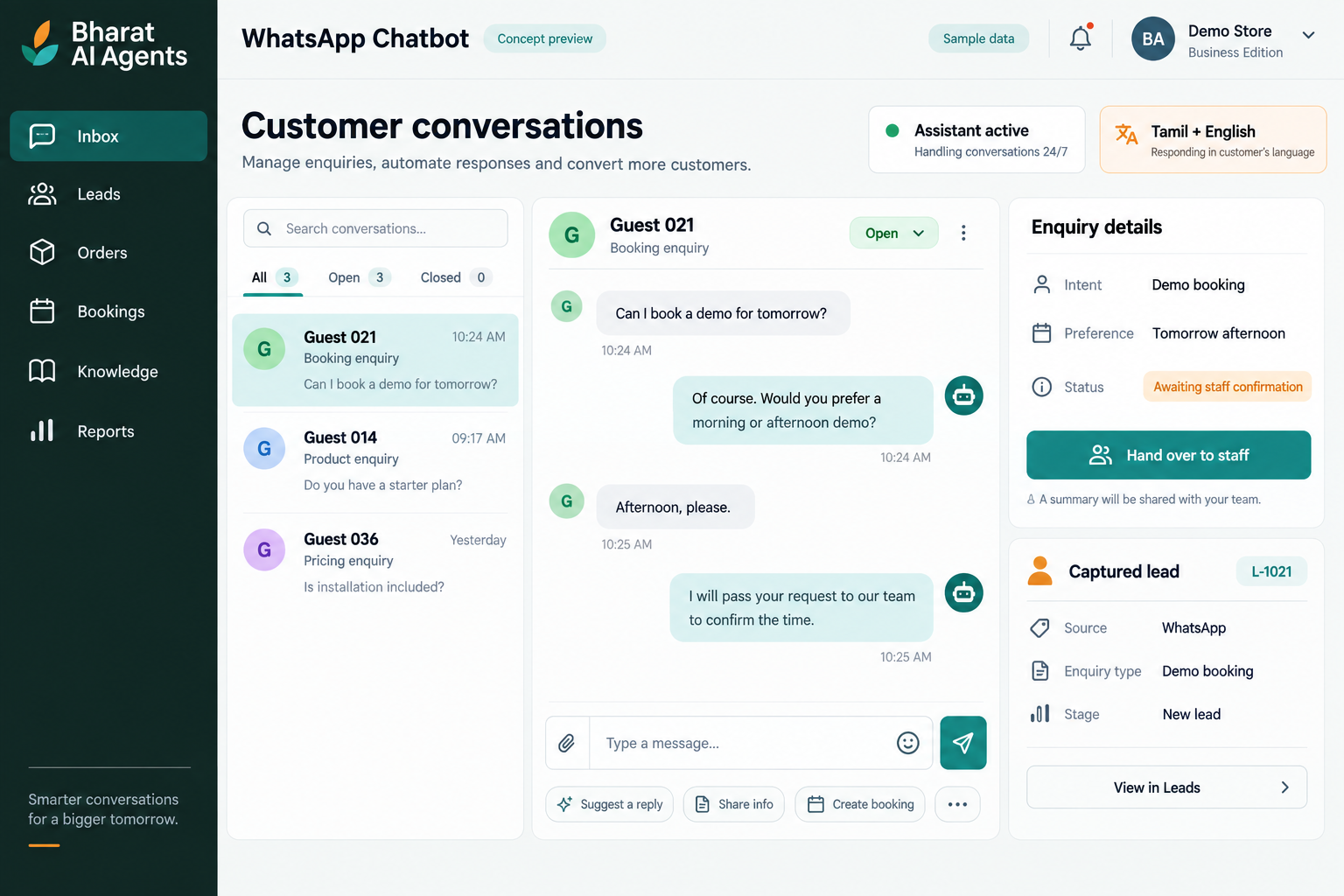
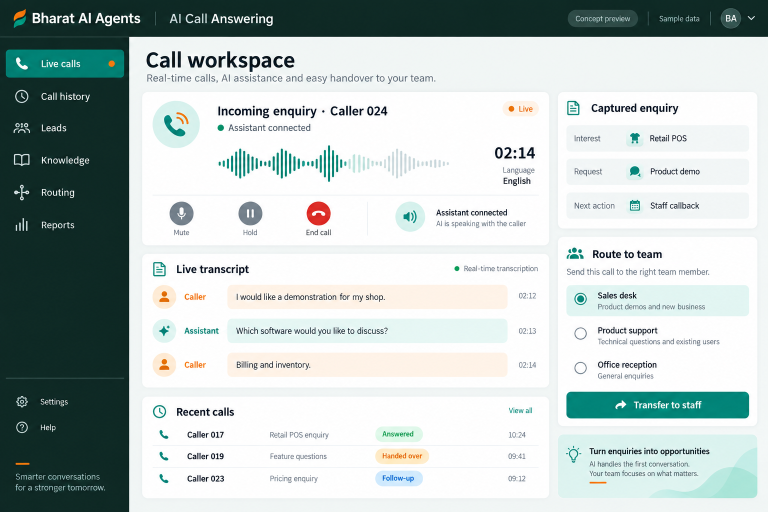
Give customers a helpful first response on WhatsApp, even when your staff are serving someone else. Bharat AI Agents answers common enquiries in Tamil and English, understands voice and text, captures orders or booking requests and hands conversations to your team when human attention is needed.
Staff cannot always reply while billing, serving customers or attending appointments. An AI assistant can handle the first conversation and gather useful details so the enquiry has a clearer next step.
Useful details remain inside chats
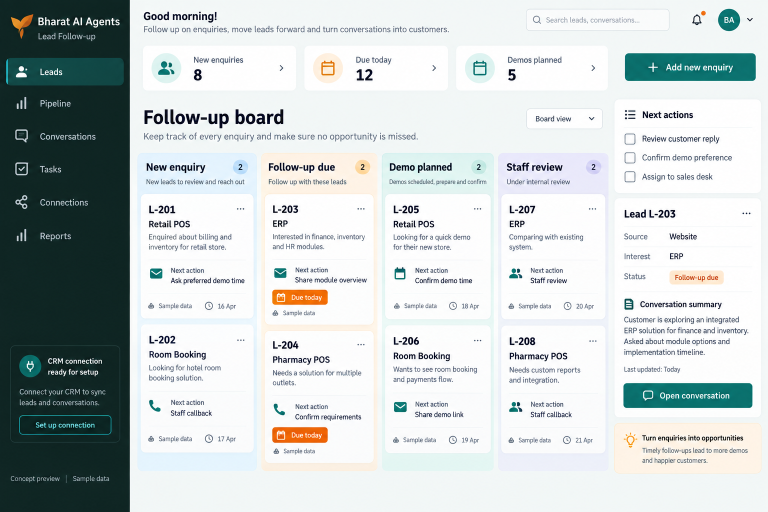
A customer may share a name, product requirement and preferred time across several messages. Lead capture helps move relevant information into the team’s working record instead of leaving it scattered through conversations.
Every question reaches the same person
Routine questions compete with requests that need staff judgment. A configured chatbot can respond to agreed questions and hand over conversations when the customer or topic requires your team’s attention.
SOFTWARE CAPABILITIES
Everything your team needs, connected.
01
WhatsApp Business API setup
Set up the WhatsApp Business API workflow as part of the project.
02
Business enquiry handling
Build the assistant around information supplied and approved by your business.
03
Order request capture
Collect the details needed for an order enquiry in the conversation.
04
Booking request capture
Gather the customer’s requested service, date or other agreed details.
05
Lead records and connections
Capture leads to the agreed CRM or Google Sheets workflow.
Provide current product or service details, common answers and the boundaries of the assistant’s role. Identify questions that should be referred to a person.
02
Receive an enquiry
The customer starts a WhatsApp conversation by text or voice. The assistant responds using the configured business information and the language supported by the workflow.
03
Gather the useful details
Capture the agreed order, booking or lead information through the conversation. Keep the questions focused on what staff actually need to take the next step.
04
Create the working record
Send captured information to the agreed lead destination or connected Bharat AI workflow. Demonstrate what staff receive and how they check an incomplete or unclear enquiry.
05
Hand over and follow up
Bring in staff where needed and use the agreed follow-up process for customers who have requested further contact. Review unanswered questions to improve the assistant’s approved information.
AI ASSISTANCE
Useful insights. Your team in control.
Use forecasts and alerts to guide your review, with people making the final decisions.
↗
Tamil and English replies
Respond to customers in Tamil and English so routine conversations can continue in a familiar language. Test local wording, business terms and mixed-language examples during the demonstration.
↗
Voice and text understanding
Handle customers who prefer a voice message as well as those who type. Try representative enquiries and check how the assistant asks for clarification when the requirement is unclear.
↗
Automatic lead follow-up
Continue agreed follow-up with customers who have requested contact. Set the purpose, timing and human handover rules, and discuss how communication preferences are respected in the working process.
REPORTS AND VISIBILITY
A clear view of what matters.
↗
Captured lead review
Review the information sent to your agreed CRM or sheet. Confirm the required fields and the team’s method for checking new enquiries.
↗
Order and booking review
Discuss the view staff need for captured requests, including which details require verification before acceptance or confirmation.
↗
Handover review
Check sample conversations that need staff attention. Ask the demo team to show how the configured handover is surfaced to the receiving team.
↗
Conversation improvement review
Agree how unanswered questions and unclear requests will be reviewed after launch. Confirm any required dashboard or export as part of your scope.
EQUIPMENT AND SETUP
Made to work with the right tools.
Bring your existing equipment details. We’ll review compatibility, connectivity and the modules needed for your installation.
YOUR SETUP CHECKLIST
Business WhatsApp account and number to review
Staff phone or computer for the agreed handover workflow
Reliable internet for online conversations and lead capture
Existing POS or ERP details if a connection is requested
GETTING STARTED
A practical plan for moving forward.
01
Collect real enquiry examples
Choose common product, service, order and booking conversations. Remove unnecessary personal information and use the examples to define a useful first release.
02
Agree answers and boundaries
Approve the assistant’s business information and decide when staff must take over. Define how price, availability and confirmation questions should be handled.
03
Test the complete conversation
Try Tamil, English, voice and text enquiries. Check lead fields, unclear requests and handover scenarios with the staff who will receive the conversations.
04
Launch and review
Train the team on the agreed lead and handover workflow. Schedule a review of early conversations and update approved answers when business information changes.
Yes. Tamil and English replies are part of Bharat AI Agents. Use your customers’ usual language and business terms in the demo to check the experience.
Can it understand voice messages?
Voice and text understanding are included in the offering. Try realistic voice enquiries, including unclear speech, so the clarification and staff-handover process can be reviewed.
Does capturing an order mean it is confirmed?
Not automatically. Agree the exact order workflow, availability checks and staff responsibilities. The assistant’s wording should make clear whether it has captured a request or confirmed an accepted order.
Can a staff member take over?
Yes. Human handover is a core capability. Define the topics, customer requests and unclear situations that should reach staff, then test how the team receives the conversation.
Can it connect with our other software?
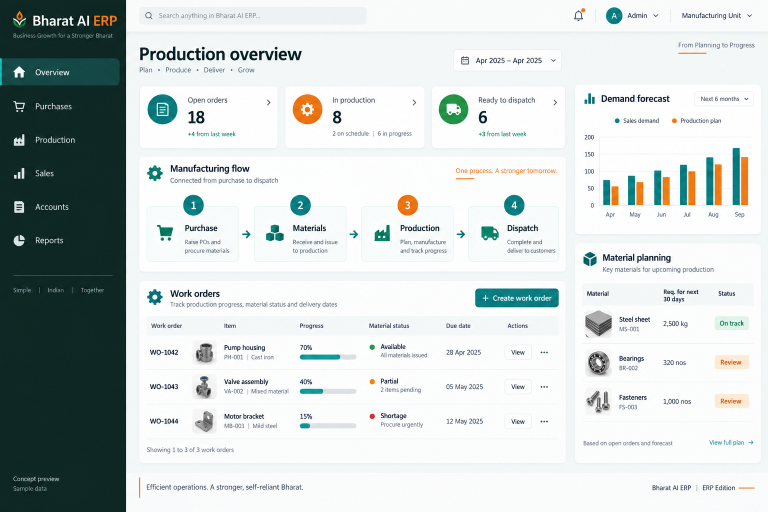
Lead capture to CRM or Google Sheets and connections to Bharat AI POS and ERP are offered. Other systems and exact data exchanges need to be checked during scoping.
LET’S TALK ABOUT YOUR BUSINESS
See your workflow in action.
Bring your real tasks and questions. We’ll use them to discuss the right configuration, equipment and rollout.