/
/
/
Room Booking
BHARAT AI ERP · ROOM & HALL BOOKING

Room Booking Software

Bring reservations, check-in, billing and occupancy reporting into one organised workflow for rooms, halls and lodges. Bharat AI ERP helps hospitality teams maintain a clearer booking record, coordinate front-desk activity and review business performance, with the scope configured around the spaces and services you actually manage.
● ● ●
Room Booking Software
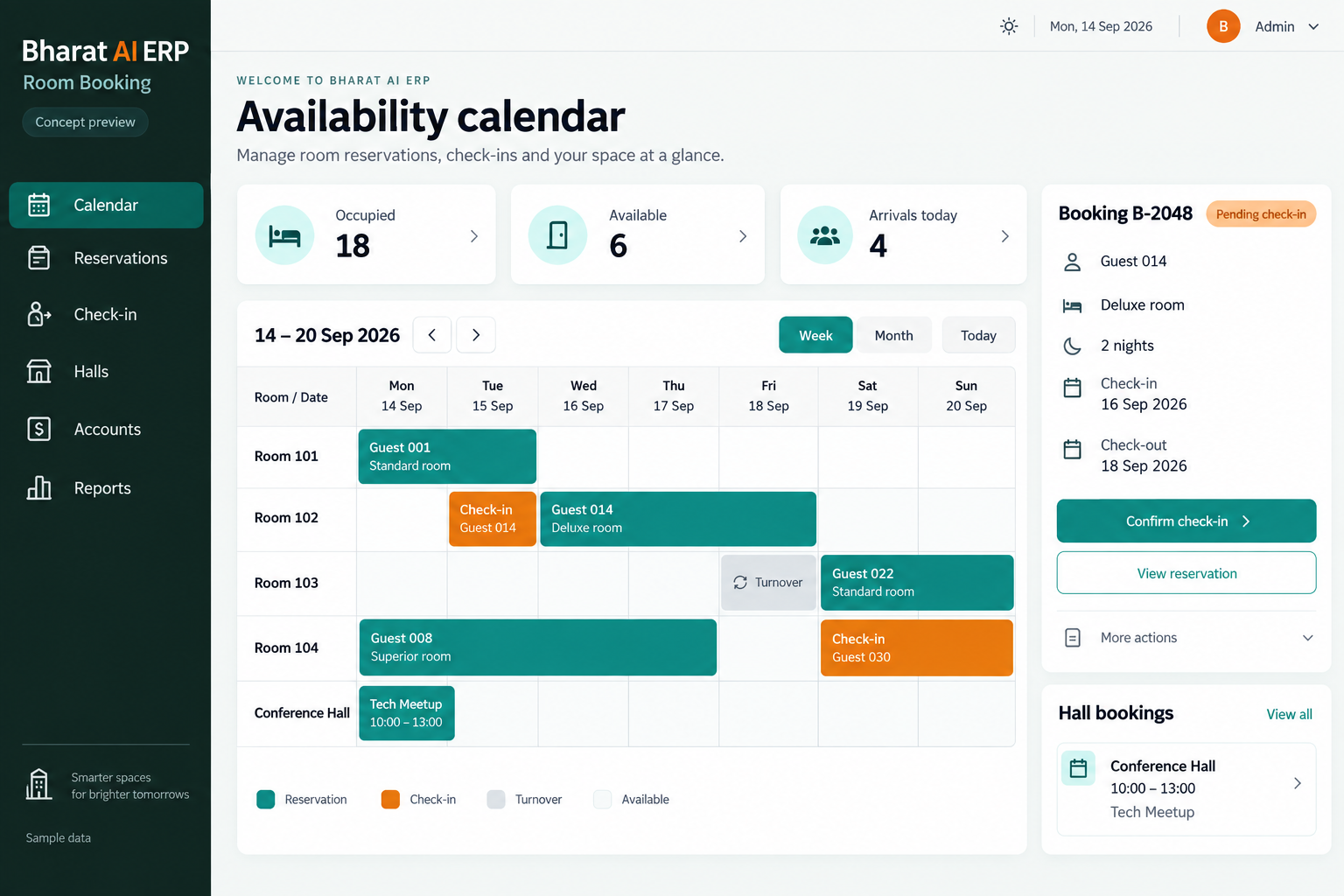
CONCEPT PREVIEW

Illustrative interface with sample data. Select the image to explore it at full size.

BUILT FOR YOUR BUSINESS

A better fit for your daily work.

Hotels and lodges
Guest houses and institutions
Hall and venue operators
Front-desk and accounts teams

Booking information is scattered

Phone notes, messages and separate registers make it difficult for staff to work from the same reservation information. A shared booking record gives the front desk a clearer reference during enquiries and arrivals.

Check-in and billing are disconnected

Staff may re-enter guest and booking details when preparing a bill. Connecting the room-booking workflow with GST invoices helps the team review the information used throughout the stay or venue booking.

Occupancy is difficult to compare

Owners need more than a list of today’s bookings to understand usage. Occupancy reports help the business review how its accommodation or bookable spaces are being used over time.

SOFTWARE CAPABILITIES

Everything your team needs, connected.

01

Room booking records

Manage bookings for the rooms your property offers.

02

Hall and venue bookings

Include halls and other agreed bookable spaces in the workflow.

03

Online booking workflow

Online booking is part of the room-management offering.

04

Check-in management

Use the recorded reservation as the starting point for check-in.

05

GST invoices and accounts

Prepare GST invoices within the agreed billing workflow and connect the relevant records with accounts.

06

Occupancy reporting

Review occupancy records to understand how accommodation is used during the chosen period.

HOW IT WORKS

From the first task to a clearer daily picture.

01

Prepare the property setup

List rooms, halls and the categories used by staff. Review your current booking register and agree how spaces will be represented in the new working process.

02

Capture a reservation

Enter the booking and the relevant guest or organiser information. Demonstrate a typical enquiry so the required details and staff review steps can be checked.

03

Manage arrival or venue use

Retrieve the reservation and complete the agreed check-in or venue process. Keep the front-desk team working from the booking information that has been reviewed.

04

Prepare the invoice

Review the services and charges included in the configured workflow, then prepare the required invoice. Include your accounts team in the sample billing exercise.

05

Review property performance

Examine occupancy and related business reports at day end or during management reviews. Use the results to identify periods and spaces that deserve further attention.

AI ASSISTANCE

Useful insights. Your team in control.

Use forecasts and alerts to guide your review, with people making the final decisions.

Demand planning discussion

Bharat AI ERP includes demand forecasting. Discuss how booking history could support your occupancy planning and confirm the available hospitality-specific analysis during the demonstration.

Plain-language business questions

Ask about your recorded business data in Tamil or English. Use sample occupancy and billing questions to check which answers the configured system can provide to the property team.

Expense review signals

Where expenses are included in the ERP setup, anomaly detection can help identify records for closer review. Managers should inspect the source entries before drawing conclusions about unusual spending.

REPORTS AND VISIBILITY

A clear view of what matters.

Occupancy overview

Review usage across the reporting period and discuss the room or property breakdowns needed to make the figures meaningful for management.

Booking record review

Use the booking information to investigate reservation questions. Confirm the required list views, dates and fields with the front-desk team.

Invoice and accounts review

Inspect the business records created through billing and accounts. Verify the report formats your property uses for its daily review.

Management dashboard

Discuss the booking, occupancy and financial information owners need to see together. Agree the dashboard scope using your existing review format.

EQUIPMENT AND SETUP

Made to work with the right tools.

Bring your existing equipment details. We’ll review compatibility, connectivity and the modules needed for your installation.

YOUR SETUP CHECKLIST
GETTING STARTED

A practical plan for moving forward.

01

Map rooms and venues

Bring a list of spaces and sample reservations. Clarify how staff currently manage rooms, hall bookings and the information exchanged with accounts.

02

Review booking channels

Identify the enquiry and booking sources in use today. Confirm the online booking setup and discuss any third-party connection as an explicit project requirement.

03

Test a guest journey

Walk through reservation, arrival and invoice preparation with your actual staff. Include an example involving a hall if venues form part of your business.

04

Prepare the front desk

Train staff on lookup, check-in, billing and report review. Agree the handling of existing future bookings and the support arrangement around the rollout date.

COMMON QUESTIONS

Before you choose your software.

Can the software manage halls as well as rooms?

Yes. Room and hall booking are included in the ERP offering. Demonstrate your booking durations and venue process so the team can confirm the configuration required.

Yes. Online booking and check-in are part of the reference offering. Discuss the customer entry point and staff confirmation process so the complete booking journey is clear.

Third-party channel connections should be discussed individually. Share the booking services you use and confirm the connection scope before assuming reservations will sync automatically.

Yes. GST invoices are included in the room-booking offering. Bring your current invoice and charging examples so the accounts team can verify the required fields and configuration.

These workflows need to be checked against your property policy during the demo. Bring typical examples so the project scope and any required configuration can be agreed explicitly.

LET’S TALK ABOUT YOUR BUSINESS

See your workflow in action.

Bring your real tasks and questions. We’ll use them to discuss the right configuration, equipment and rollout.

A USEFUL STARTING POINT
KEEP EXPLORING

More ways to support your business.

BHARAT AI ERP

ERP

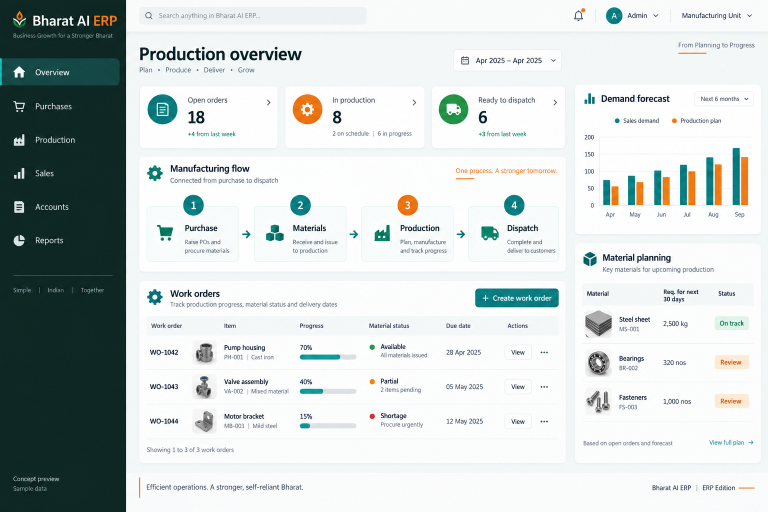
Connect purchase, sales, production, accounts and people operations in a business system built around your daily work.

BHARAT AI AGENTS

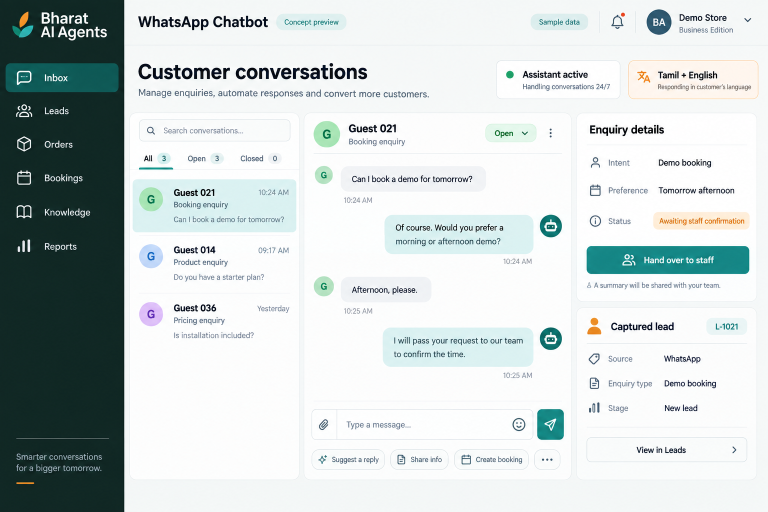
Give customers a helpful first response on WhatsApp, even when your staff are serving someone else.

BHARAT AI AGENTS

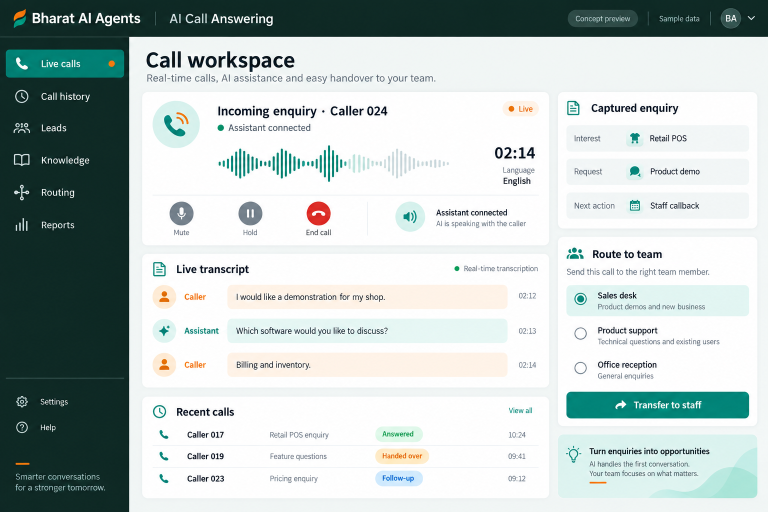
Give incoming callers a way to explain what they need when your team is busy or away from the desk.