Bring camera-based defect detection into your quality workflow. Bharat AI Automation assesses visible product conditions through images, with inspection scope and review tailored to the production line. Quality teams retain acceptance responsibility and validate performance on representative products.
A useful inspection system starts with a precise description of what counts as a defect.
Images do not represent actual production
A model demonstrated on ideal samples may behave differently on the line.
Inspection outcomes lack production context
A flagged image means more when the team can relate it to the relevant product and production period.
SOFTWARE CAPABILITIES
Everything your team needs, connected.
01
Inspection requirement definition
Define visible defects and acceptable variation with the quality team. Agree product families and the inspection boundary before selecting cameras, training requirements or downstream actions.
02
Camera image acquisition
Assess image capture on the production line. Camera, lighting, positioning and timing are engineered for the agreed inspection, with achievable image quality validated during the pilot.
03
AI defect detection
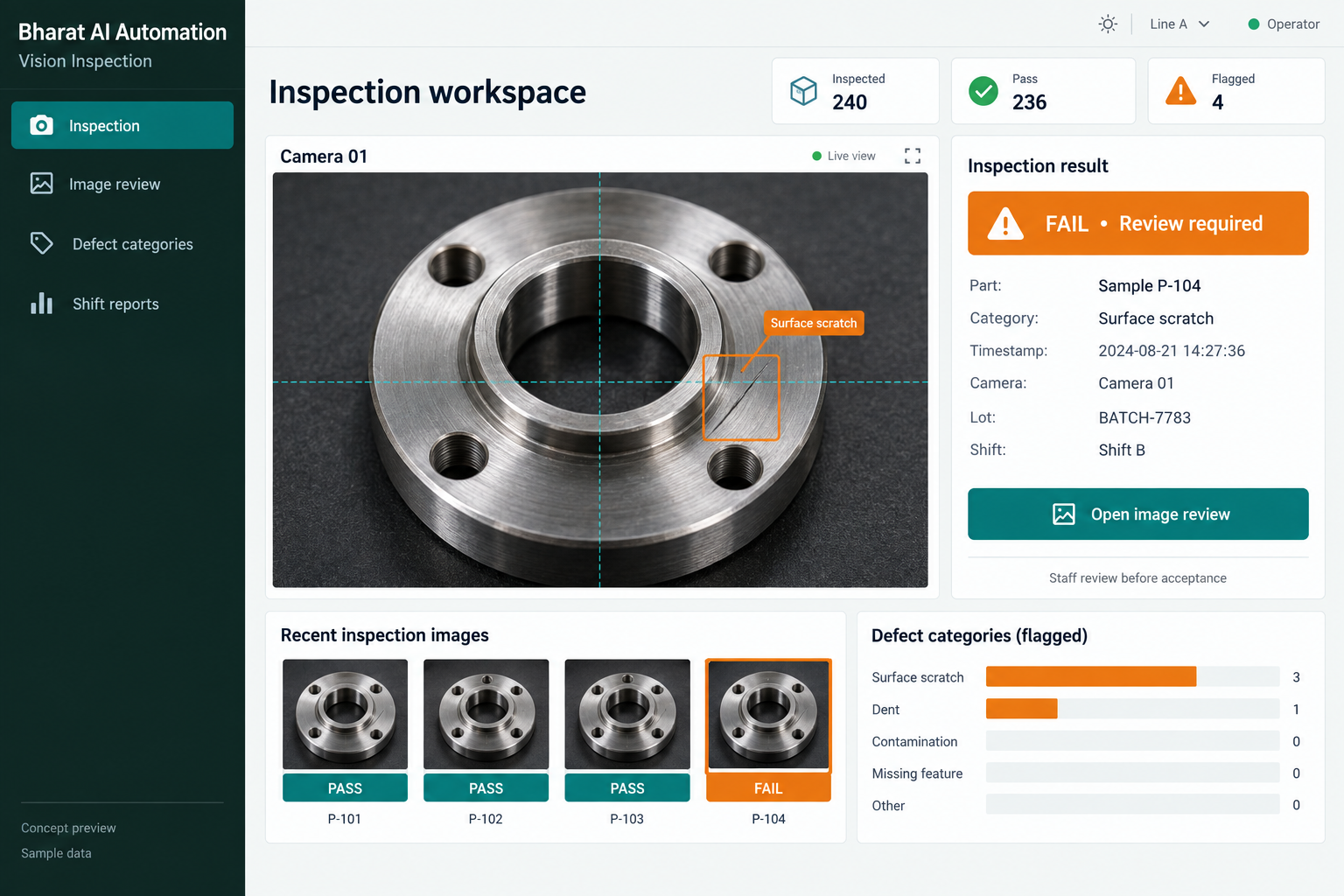
Use camera-based analysis for the visual conditions included in the project scope. Demonstrate the model on representative acceptable and defective samples rather than assuming it can detect every possible issue.
04
Review of inspection outcomes
Demonstrate how quality staff review flagged results. The workflow should identify uncertain outcomes and make clear who is responsible for further inspection and acceptance decisions.
05
Production dashboard context
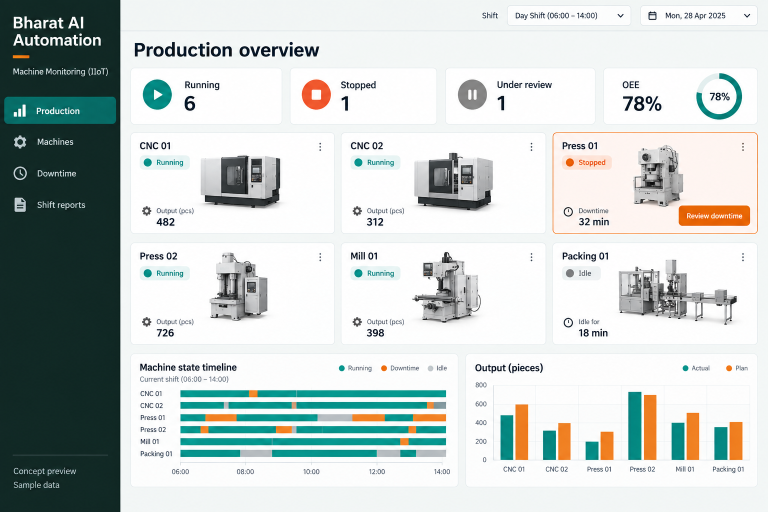
Discuss how agreed inspection outcomes connect with the wider Automation dashboard. Product identification, production timing and quality counts must be defined before they can support useful shift analysis.
06
Scoped machine or ERP connection
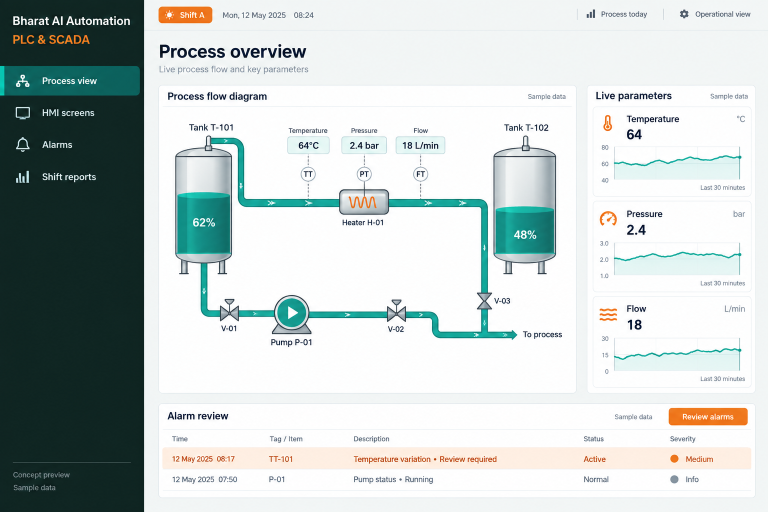
Assess any required connection to PLC systems or Bharat AI ERP. Signal exchange, record ownership and downstream actions are separately engineered and validated; automatic rejection is not assumed in the software scope.
Select a visible condition that the quality team can label consistently. Include acceptable variation and difficult examples to establish the inspection boundary.
02
Collect representative images
Build the evaluation set from the real products and operating conditions. Include normal variation and challenging examples so the assessment is not limited to ideal demonstration images.
03
Assess model outcomes
Review results with quality personnel and examine missed defects and incorrect flags. Agree acceptance criteria appropriate to the application before considering production use.
04
Run the agreed inspection process
Use the validated setup within its defined scope. Staff handle uncertain or flagged cases through the quality team’s procedure and retain responsibility for product acceptance decisions.
05
Review changes over time
Reassess performance when materials, products, lighting or line conditions change. A working inspection setup needs continuing review rather than an assumption that its original evaluation remains valid forever.
AI ASSISTANCE
Useful insights. Your team in control.
Use forecasts and alerts to guide your review, with people making the final decisions.
↗
Camera-based defect recognition
Analyse images for the defect categories agreed with the quality team. Detection quality depends on representative data and suitable imaging, so accuracy claims must come from the project’s own validation.
↗
Pattern review across production
Discuss analysis of recurring inspection results during scoping. Suitable data may help quality teams prioritise patterns for investigation.
↗
Supervisor alerts
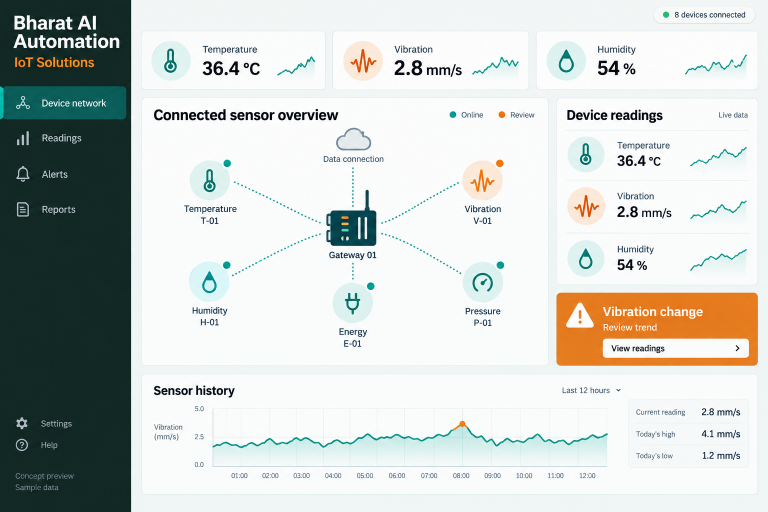
Scope notifications for agreed inspection conditions within the Automation alert workflow. Messages direct the responsible team to a review; they do not establish that a product is safe or acceptable.
REPORTS AND VISIBILITY
A clear view of what matters.
↗
Inspection outcome summary
Agree a summary of the results the system is expected to record.
↗
Defect category review
Where categories are included, compare their recorded frequency across a relevant period.
↗
Shift quality context
Discuss the required connection between inspection results and production shifts.
↗
Validation findings
Keep the evaluation discussion focused on representative examples, incorrect flags and missed defects.
EQUIPMENT AND SETUP
Made to work with the right tools.
Bring your existing equipment details. We’ll review compatibility, connectivity and the modules needed for your installation.
YOUR SETUP CHECKLIST
Inspection cameras selected for the agreed visual task
Engineered lighting and suitable image capture arrangement
Processing hardware assessed against line and image requirements
Optional PLC or machine interfaces, separately assessed and validated
GETTING STARTED
A practical plan for moving forward.
01
Quality discovery
Review product samples, defect definitions and the existing inspection process with responsible quality personnel. Choose an achievable inspection boundary before proposing a production-line integration.
02
Imaging and data assessment
Evaluate representative images and the physical capture conditions. Identify gaps in sample coverage and agree how acceptable variation and defects will be labelled for evaluation.
03
Pilot validation
Assess the model and workflow using agreed acceptance criteria. Review both false alarms and missed defects, and define when staff must perform an additional inspection.
04
Controlled rollout and review
Agree the production handover and staff training with the quality team. Document the conditions that require reassessment, including new products and changes to the imaging environment.
That depends on whether the condition is visible in suitable images and represented in the project data. Share samples and acceptance criteria so the team can assess a specific inspection task.
Is a particular accuracy guaranteed?
No general accuracy percentage is stated. Performance must be measured on representative products and conditions, including missed defects and incorrect flags, against criteria agreed with the quality team.
Does the camera automatically reject a product?
Automatic rejection is not assumed. Any downstream machine action needs a separately scoped and validated integration, with qualified personnel responsible for the engineering and quality process.
Can it replace every manual quality check?
The system addresses an agreed visual task. It does not automatically cover hidden defects, material properties or other checks, and the quality team decides which inspections remain necessary.
What happens when our product design changes?
Changes can affect images and model performance. Review the new product and conditions with the implementation team and repeat the relevant evaluation before relying on previous results.
LET’S TALK ABOUT YOUR BUSINESS
See your workflow in action.
Bring your real tasks and questions. We’ll use them to discuss the right configuration, equipment and rollout.