/
/
/
Parking Management
BHARAT AI SMARTGATE · PARKING

Parking Management Software

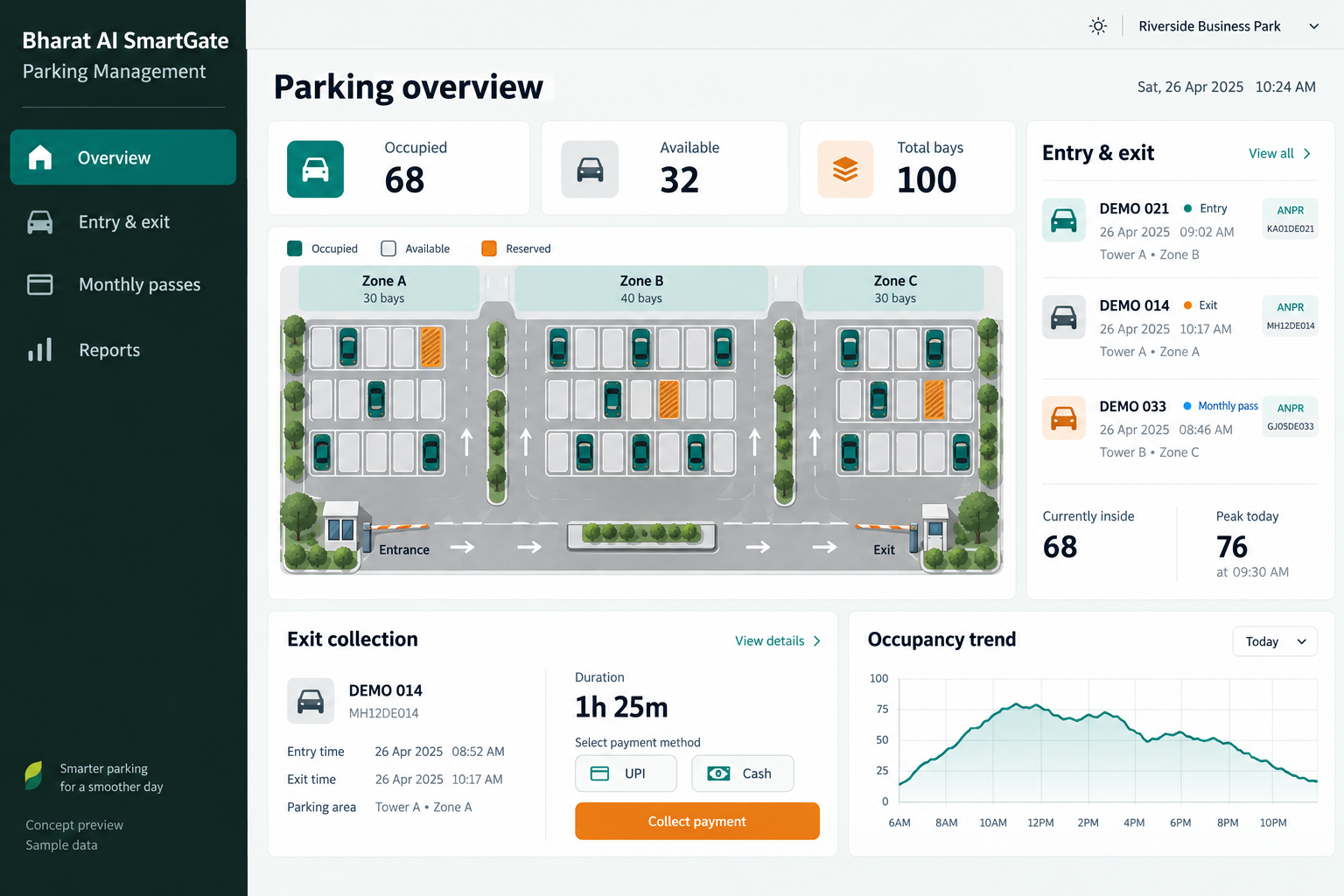
Manage vehicle arrival, parking duration, exit collection and monthly passes through Bharat AI SmartGate. Designed for malls, hospitals, offices and managed parking areas, the software combines ANPR entry and exit records with an occupancy view, helping attendants handle daily traffic and supervisors review collections with clear vehicle context.
● ● ●
Parking Management Software
CONCEPT PREVIEW

Illustrative interface with sample data. Select the image to explore it at full size.

BUILT FOR YOUR BUSINESS

A better fit for your daily work.

Malls and commercial parking operators
Hospitals and healthcare campuses
IT parks and office buildings
Managed residential and public parking areas

Unclear entry and exit history

A vehicle query becomes difficult when arrival time is written on paper or stored separately from payment.

Limited visibility of available capacity

Gate staff and supervisors need a common picture of how busy the facility is.

Passes mixed with casual visits

Monthly users and short visits follow different charging rules.

SOFTWARE CAPABILITIES

Everything your team needs, connected.

01

ANPR entry and exit

Capture number-plate events at the gate and link the corresponding visit. Staff can inspect vehicle history when an entry is unclear or a customer asks about the recorded arrival.

02

Parking duration and charging

Use recorded arrival and departure information in the configured parking workflow. Bring time bands, grace periods and special cases to the demo so the proposed rules can be assessed.

03

Cash and UPI at exit

Record the supported exit payment against the vehicle visit. Keeping payment context with the parking record helps supervisors investigate a collection question without searching unrelated daily totals.

04

Monthly pass management

Organise regular vehicle access through monthly pass records. Operators can distinguish entitled vehicles from casual visitors and review pass-related activity alongside the wider entry and exit history.

05

Live occupancy dashboard

Show occupancy from recorded gate movements so the team can assess current demand. Missed or corrected events need reconciliation; the dashboard depends on complete entry and exit capture.

06

Gate and reader integration

Coordinate supported ANPR, barrier and optional FASTag or RFID equipment. Hardware interfaces, site arrangements and any payment-provider access are assessed before the final integration scope is agreed.

HOW IT WORKS

From the first task to a clearer daily picture.

01

Register the arrival

Capture the vehicle at entry and start its visit record. The attendant reviews any unclear plate so subsequent duration and exit information can refer to the correct vehicle.

02

Check pass status

Determine whether the vehicle has a relevant monthly pass or follows the casual parking process. Staff handle exceptions according to the operator’s agreed access rules.

03

Monitor parking activity

Use entry and exit movements to understand current occupancy. Supervisors can check busy periods and investigate discrepancies before relying on the figure for operational planning.

04

Complete the exit

Match the departing vehicle with its visit and record the appropriate payment or pass outcome. Review an unmatched event instead of guessing its arrival time.

05

Close and review

Compare daily collections, pass activity and occupancy changes. Use the visit history to explain unusual durations, unmatched events or payment queries during shift reconciliation.

AI ASSISTANCE

Useful insights. Your team in control.

Use forecasts and alerts to guide your review, with people making the final decisions.

AI plate reading

Recognise plates from gate cameras to reduce manual typing. Demonstrate real site images because camera angle, lighting and plate condition influence how often staff need to review a result.

Occupancy prediction

Use historical entry and exit patterns to estimate likely busy periods. Forecasts support staffing and planning; they depend on reliable data and do not guarantee that a space will be available.

Vehicle and exception checks

Highlight possible classification mismatches or unusual exempt activity where these checks are configured. Attendants and supervisors review the underlying visit before changing charges or access decisions.

REPORTS AND VISIBILITY

A clear view of what matters.

Daily parking revenue

Review recorded parking collections over a selected day or shift.

Entry and exit activity

Understand arrival and departure volumes across operating periods.

Monthly pass usage

Review activity associated with regular vehicle passes.

Occupancy trends

Compare the facility’s recorded occupancy across time.

EQUIPMENT AND SETUP

Made to work with the right tools.

Bring your existing equipment details. We’ll review compatibility, connectivity and the modules needed for your installation.

YOUR SETUP CHECKLIST
GETTING STARTED

A practical plan for moving forward.

01

Review the parking rules

Document entrances, exits, vehicle categories, tariffs and pass arrangements. Include lost or unmatched entry situations so the demo reflects daily attendant questions.

02

Survey gate equipment

Review camera views, supported device interfaces and network availability with the installation team. Confirm which existing equipment can be reused and what additional components are needed.

03

Validate representative visits

Walk through a casual visit, pass-holder visit, unclear plate and exit query. Agree the operational response and report checks before live gate rollout.

04

Train gate and office teams

Attendants learn vehicle lookup and exit review, while supervisors practise reconciliation and occupancy checks. Deployment timing and support coverage follow the agreed site scope.

COMMON QUESTIONS

Before you choose your software.

Can the software support monthly parking users?

Yes. Monthly pass management is part of SmartGate. Bring your vehicle eligibility and pass rules to the demo so the team can demonstrate the intended process.

FASTag is an integration option that depends on supported equipment, provider arrangements and available access. It is assessed for your site; it is not automatically enabled by installing parking software.

Occupancy is based on the events captured by the configured system. Missed, duplicate or corrected movements can affect it, so operating procedures should include reconciliation and exception review.

Staff should use the agreed exception process to review available records and establish the visit context. Demonstrate this scenario during setup rather than assuming every camera event will match automatically.

The proposed setup can be scoped around the facility’s entry and exit lanes. Share the gate layout, connectivity and reporting requirements so coordination and hardware needs can be assessed.

LET’S TALK ABOUT YOUR BUSINESS

See your workflow in action.

Bring your real tasks and questions. We’ll use them to discuss the right configuration, equipment and rollout.

A USEFUL STARTING POINT
KEEP EXPLORING

More ways to support your business.

BHARAT AI SMARTGATE

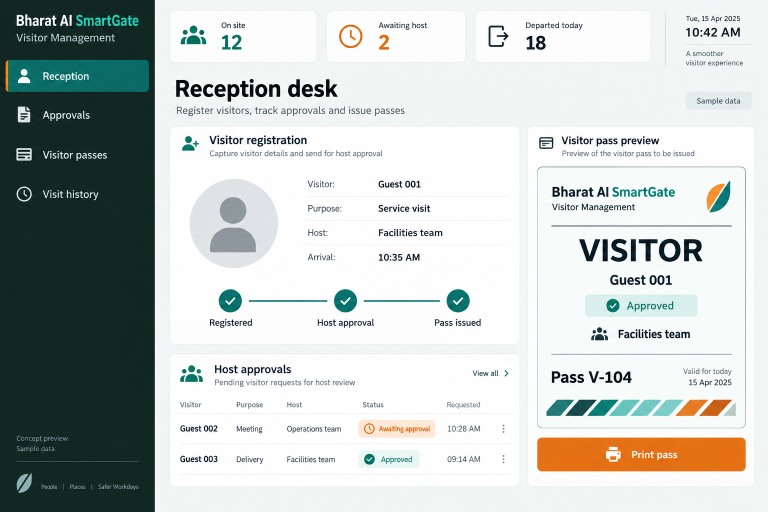
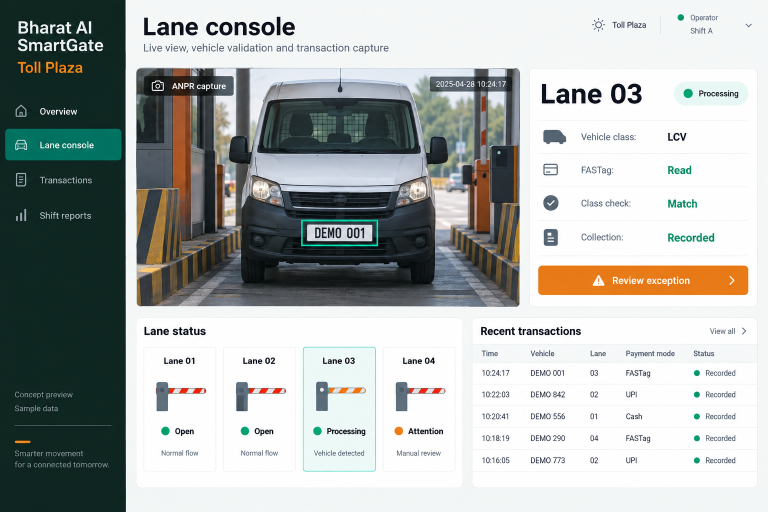
Bring vehicle entry, lane activity, payment records and shift reconciliation into one operating view.

BHARAT AI SMARTGATE

Give reception and security teams a clear process for recording visitors, requesting host approval and issuing passes.

BHARAT AI AUTOMATION

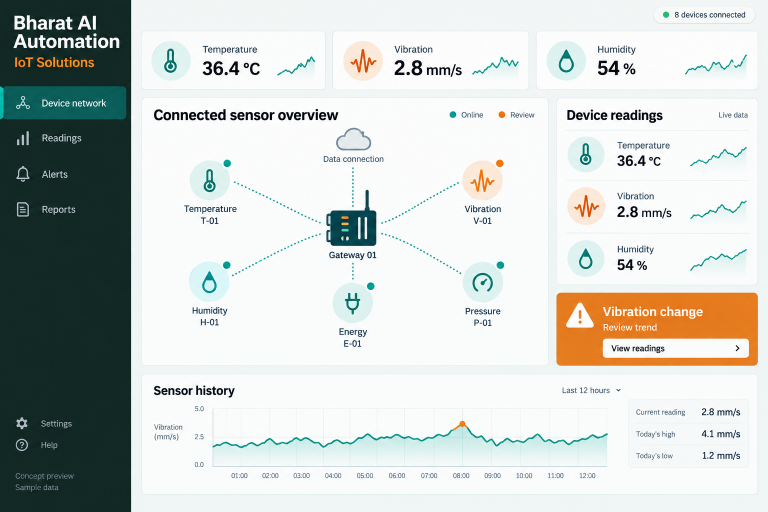
Connect selected sensors, meters and devices to a shared operational view.