BHARAT AI SMARTGATE · TOLL PLAZA

Toll Plaza Software

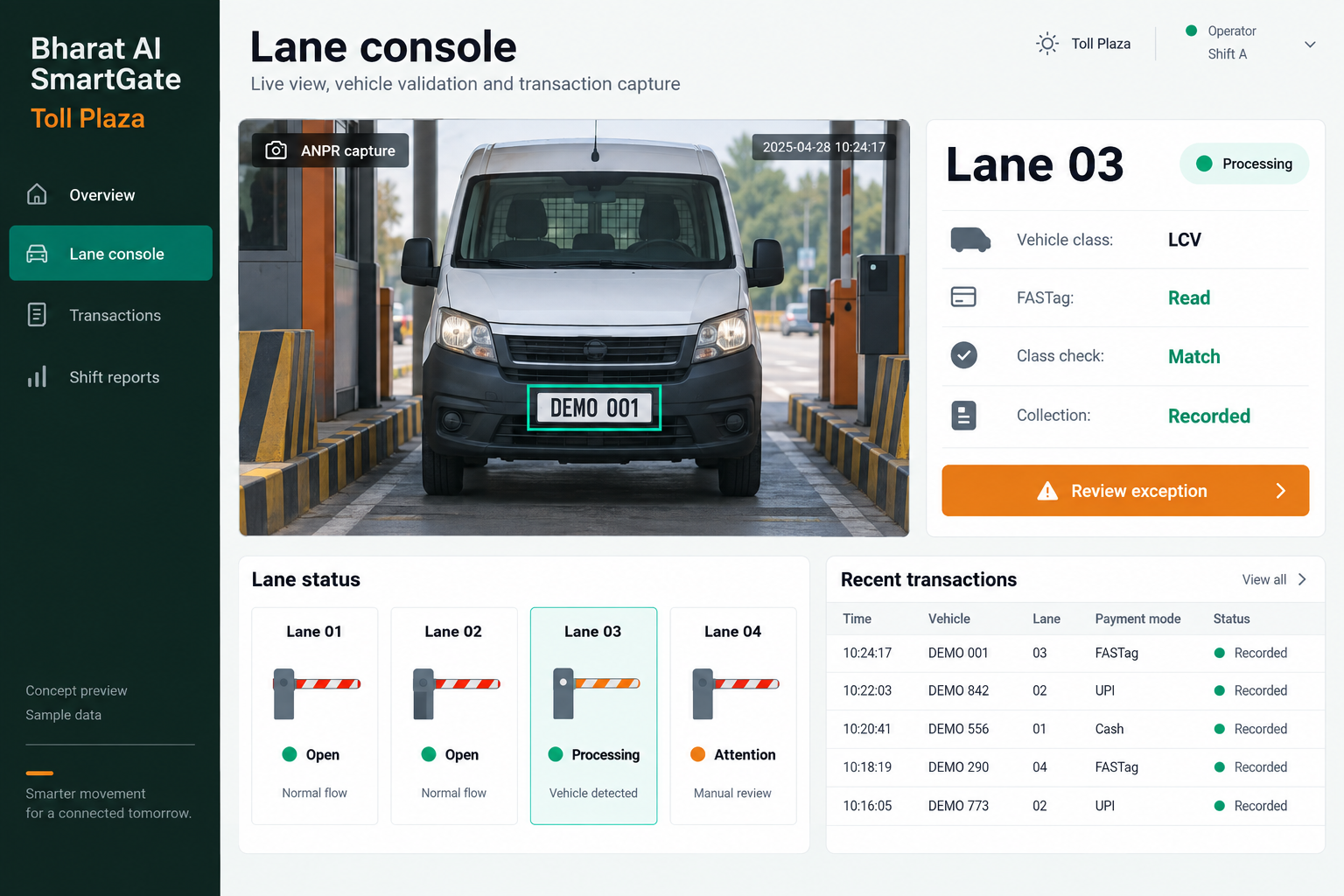
Bring vehicle entry, lane activity, payment records and shift reconciliation into one operating view. Bharat AI SmartGate helps toll teams connect ANPR cameras, supported FASTag or RFID infrastructure and barrier workflows, while giving supervisors the transaction history and exception reports they need to review each shift.
● ● ●
Toll Plaza Software
CONCEPT PREVIEW

Illustrative interface with sample data. Select the image to explore it at full size.

BUILT FOR YOUR BUSINESS

A better fit for your daily work.

Toll plaza operators
Private road and industrial access operators
Multi-lane operations teams
Revenue and shift supervisors

Disconnected lane records

When camera events, cashier entries and shift totals sit in separate places, investigating one disputed passage takes too long.

Exceptions hidden in daily totals

A balanced collection total can still hide an incorrect vehicle class or unexplained exemption.

Difficult shift handovers

Incoming teams need to know which payments or vehicle records remain unresolved.

SOFTWARE CAPABILITIES

Everything your team needs, connected.

01

ANPR vehicle capture

Associate a recognised registration with its lane and passage time. Operators can review the captured event when a plate is unclear, keeping human verification available for difficult readings.

02

FASTag and RFID lane integration

Connect the agreed reader and transaction infrastructure to the lane workflow. Reader compatibility, acquiring arrangements, provider access and payment responsibilities are assessed before this integration is included in the deployment.

03

Vehicle class and tariff workflow

Organise passage records around the operator’s vehicle categories and configured charging rules. Demonstrate your class exceptions and tariff changes during discovery so the team can scope the appropriate workflow.

04

Barrier event coordination

Link approved passage decisions with the supported boom barrier setup. The operating team defines how exceptions are handled, while qualified installers assess the equipment and required site safeguards.

05

Cash and UPI collection records

Keep supported payment types visible against the corresponding vehicle event. Shift staff can compare recorded collections and unresolved transactions instead of piecing the information together from separate notebooks.

06

Shift and lane supervision

Review passage activity and revenue by lane and shift. Give supervisors a common view for investigating differences, checking exemptions and following up records that require an operator’s explanation.

HOW IT WORKS

From the first task to a clearer daily picture.

01

Capture the passage

The lane receives a camera or reader event and creates the vehicle context. Staff review incomplete identification before proceeding through the site’s agreed operating process.

02

Check the vehicle category

Compare the selected class with available recognition information. A mismatch becomes something to review rather than silently carrying an incorrect category into the transaction.

03

Record payment or exemption

Associate the passage with the supported payment response or the authorised exemption workflow. Exceptions remain visible for supervisor review and do not disappear into a daily aggregate.

04

Complete the lane event

Coordinate the approved passage with the installed barrier arrangement. Trained lane personnel remain responsible for operational decisions and the site’s established procedures.

05

Reconcile the shift

Compare lane counts, collection totals and unresolved events. Supervisors can use the same records for shift handover, transaction enquiries and subsequent revenue review.

AI ASSISTANCE

Useful insights. Your team in control.

Use forecasts and alerts to guide your review, with people making the final decisions.

Number-plate recognition

AI reads registration details from camera images to reduce repetitive entry. Lighting, plate condition, camera position and vehicle movement affect results, so uncertain events need an operator review process.

Vehicle classification checks

Compare detected vehicle characteristics with the recorded class to surface possible mismatches. The flag supports inspection; it does not establish an incorrect charge without a supervisor reviewing the evidence.

Exemption and transaction alerts

Highlight unusual exempt-vehicle activity or patterns that deserve closer attention. Alerts help prioritise checks and should be interpreted alongside authorisations, passage images and the operator’s own rules.

REPORTS AND VISIBILITY

A clear view of what matters.

Lane revenue

Review recorded collections for each lane and compare activity across a selected period.

Shift reconciliation

Bring vehicle counts and recorded collections into the handover conversation.

Vehicle class activity

See how traffic is distributed across configured categories.

Exceptions and exemptions

Inspect flagged passages and exemption activity separately from routine transactions.

EQUIPMENT AND SETUP

Made to work with the right tools.

Bring your existing equipment details. We’ll review compatibility, connectivity and the modules needed for your installation.

YOUR SETUP CHECKLIST
GETTING STARTED

A practical plan for moving forward.

01

Map the plaza

Document lane directions, traffic categories, shift patterns and exception handling. Bring the actual operating rules so the proposed system reflects how the plaza runs.

02

Assess integrations

Review camera, reader and barrier models with the existing payment arrangements. Confirm integration responsibilities and available interfaces before committing to equipment reuse or FASTag functionality.

03

Pilot a lane workflow

Demonstrate representative passages, unclear plates, exemption review and shift closing. Agree acceptance checks with the operations team before expanding the rollout.

04

Train and support

Train operators on transaction review and supervisors on reconciliation. Agree the support scope, escalation contacts and site rollout schedule for the final installation.

COMMON QUESTIONS

Before you choose your software.

Will it work with our current FASTag provider?

That depends on the provider’s supported interfaces, account arrangements and approval requirements. Share the current setup during the demo so compatibility and access can be assessed; bank or network access is not assumed.

Possibly. The team needs the equipment models, supported interfaces and site conditions. Reuse is confirmed after assessment, rather than promised for every camera, reader or barrier.

The operating workflow should include staff review of the captured event. Recognition assists entry, but unusual plates, dirt, glare or poor images may require correction before the transaction is completed.

No. It identifies a pattern or exception for investigation. Supervisors should examine transaction details, vehicle evidence and the applicable authorisation before reaching a conclusion.

The quotation depends on lanes, equipment, interfaces, payment arrangements and support needs. A site-specific scope is agreed after the demo and integration assessment.

LET’S TALK ABOUT YOUR BUSINESS

See your workflow in action.

Bring your real tasks and questions. We’ll use them to discuss the right configuration, equipment and rollout.

A USEFUL STARTING POINT
KEEP EXPLORING

More ways to support your business.

BHARAT AI SMARTGATE

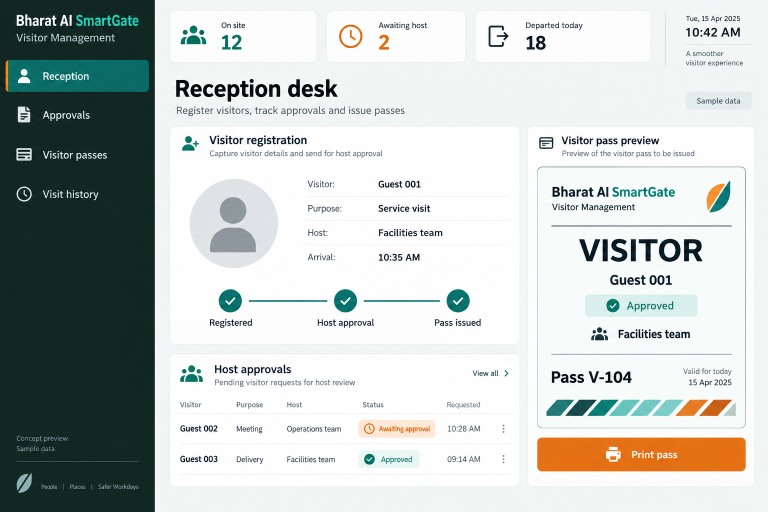
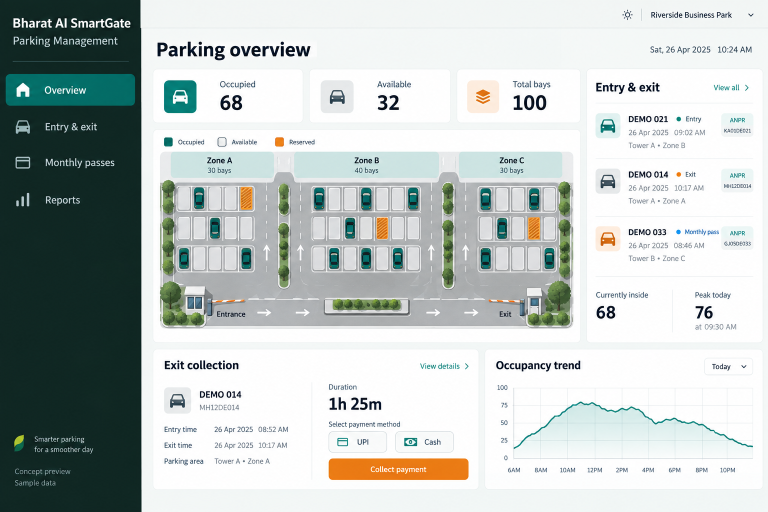
Manage vehicle arrival, parking duration, exit collection and monthly passes through Bharat AI SmartGate.

BHARAT AI SMARTGATE

Give reception and security teams a clear process for recording visitors, requesting host approval and issuing passes.

BHARAT AI AUTOMATION

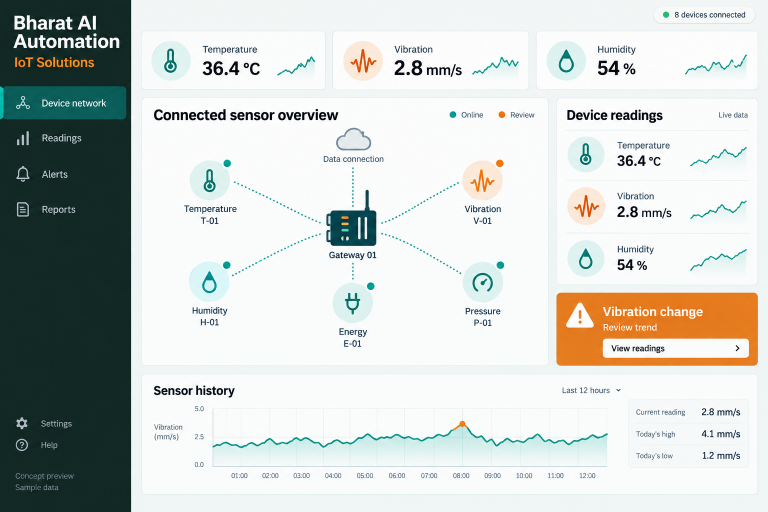
Connect selected sensors, meters and devices to a shared operational view.