BHARAT AI POS • RETAIL STORES

Retail Billing and Inventory Software

Run your shop with a connected view of billing, stock and customers. Bharat AI POS combines barcode and touch billing with inventory, GST, loyalty and practical AI insights, helping owners understand what sold, what needs replenishing and where to focus tomorrow.
● ● ●
Retail Billing and Inventory Software
CONCEPT PREVIEW

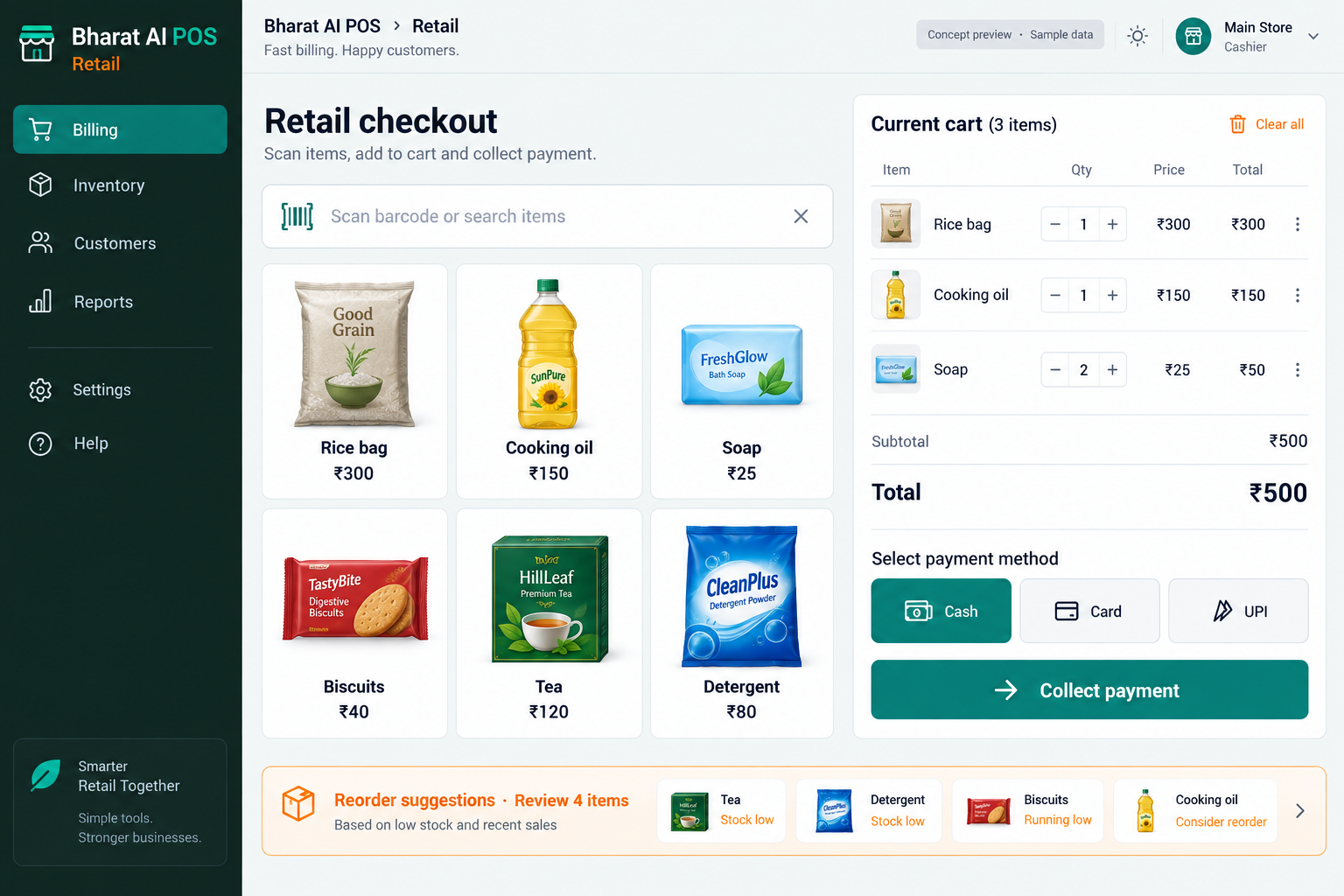
Illustrative interface with sample data. Select the image to explore it at full size.

BUILT FOR YOUR BUSINESS

A better fit for your daily work.

Independent retail shops
General and convenience stores
Gift and fancy shops
Retail businesses with several outlets

A queue at the counter

Price searches and handwritten bills interrupt customer service. A consistent catalogue and barcode workflow help cashiers find products and complete the bill.

Stock decisions made from memory

Popular items can run out while slower products occupy shelves. Connected sales and inventory inform the next purchase.

The owner needs the full picture

A busy counter does not explain which products drive sales. Mobile access, analytics and nightly summaries help the owner understand daily activity.

SOFTWARE CAPABILITIES

Everything your team needs, connected.

01

Barcode, touch and QR billing

Build each bill using the entry method that suits your counter. Product names, quantities and prices stay together, with GST information included in the billing workflow.

02

Inventory control

Keep the stock picture connected to shop activity. Compare what is available with what is selling, then use that information when deciding which items to replenish.

03

GST and accounts

Bring billing and accounting information into the same operating routine. Review the GST details and reporting requirements with your accountant during configuration so the setup matches your business.

04

Customer records and loyalty

Maintain customer relationships beyond a single purchase. CRM, loyalty points, WhatsApp e-bills and smart offers support a consistent experience for people who return to your shop.

05

Branches and cloud backup

See stock, prices and reports across outlets through multi-branch control. Cloud backup and synchronisation connect branch operations with the wider business as connectivity becomes available.

06

Owner mobile app

Check sales, stock and AI alerts from the owner’s phone. Use the app to prepare a focused conversation with the store team before the next trading day.

HOW IT WORKS

From the first task to a clearer daily picture.

01

Prepare the item catalogue

Start with product names, barcodes, selling prices and opening quantities. Clean naming helps staff distinguish similar pack sizes and makes later sales analysis easier to interpret.

02

Bill the customer's basket

Scan products or select them on the touch screen. Check quantities and the completed total before recording the customer’s chosen payment mode and issuing the bill.

03

Keep the customer connected

Send the e-bill on WhatsApp and apply the configured loyalty process. Confirm the customer’s details so future communication reaches the right person.

04

Review stock that needs attention

Look at current availability alongside sales history and reorder suggestions. The owner decides the purchase quantity after considering supplier lead times, shelf space and upcoming local events.

05

Close with a useful overview

Review payment totals, product sales and the nightly AI summary. Turn the findings into a short list of stock and merchandising actions for tomorrow.

AI ASSISTANCE

Useful insights. Your team in control.

Use forecasts and alerts to guide your review, with people making the final decisions.

Sales forecasts and reorder suggestions

Use sales history to anticipate demand and identify replenishment needs. The owner reviews suggestions before deciding what to purchase.

Tamil and English voice billing

Enter items through Tamil or English voice billing. Demonstrate your product names and local pronunciations during training, then verify the bill.

Nightly business summary

Review the AI summary of sales and stock activity before planning tomorrow. WhatsApp smart offers also support regular-customer communication.

REPORTS AND VISIBILITY

A clear view of what matters.

Daily sales

Understand the day’s business before making tomorrow’s decisions. Review sales totals and the products contributing to them in the sales analytics view.

Product movement

Compare selling activity with stock on hand. Identify items worth replenishing and discuss slower products before placing another supplier order.

Payment reconciliation

Review cash, UPI, card and credit-sale information as part of the closing routine, using the payment reconciliation capability.

Branch performance

Use synchronised reports to understand activity at each outlet. Compare availability and sales before changing prices or discussing branch stock needs.

EQUIPMENT AND SETUP

Made to work with the right tools.

Bring your existing equipment details. We’ll review compatibility, connectivity and the modules needed for your installation.

YOUR SETUP CHECKLIST
GETTING STARTED

A practical plan for moving forward.

01

Review your shop

Bring fast sellers, different pack sizes and a typical bill. Discuss counters, branches and your current closing routine.

02

Prepare the data

Import items, customers and opening stock. Review duplicate names and missing barcodes before using the catalogue at the counter.

03

Check devices and train staff

Test your devices with actual products. Practise billing, payment entry and customer lookup with staff from each shift.

04

Review the first trading days

Check opening stock and daily totals. Build a closing routine and review AI suggestions as sales history develops.

COMMON QUESTIONS

Before you choose your software.

Can we keep billing when the internet drops?

Yes. Billing continues offline and synchronises when connectivity returns. During setup, demonstrate the complete offline and reconnection workflow at your own counter.

Items, customers and opening stock can be imported from existing software or Excel. Share a sample export so the team can review the fields and prepare the migration.

Compatibility is checked during the demo. Share the model of your thermal printer, scanner and cash drawer, and test a real bill before finalising the hardware setup.

Multi-branch control brings stock, prices and reports across outlets into one management view. The owner mobile app also provides access to sales, stock and AI alerts.

The POS provides automatic reorder suggestions from sales activity. Your team reviews the recommendations, decides what to buy and agrees the purchase with the supplier.

LET’S TALK ABOUT YOUR BUSINESS

See your workflow in action.

Bring your real tasks and questions. We’ll use them to discuss the right configuration, equipment and rollout.

A USEFUL STARTING POINT
KEEP EXPLORING

More ways to support your business.

BHARAT AI POS

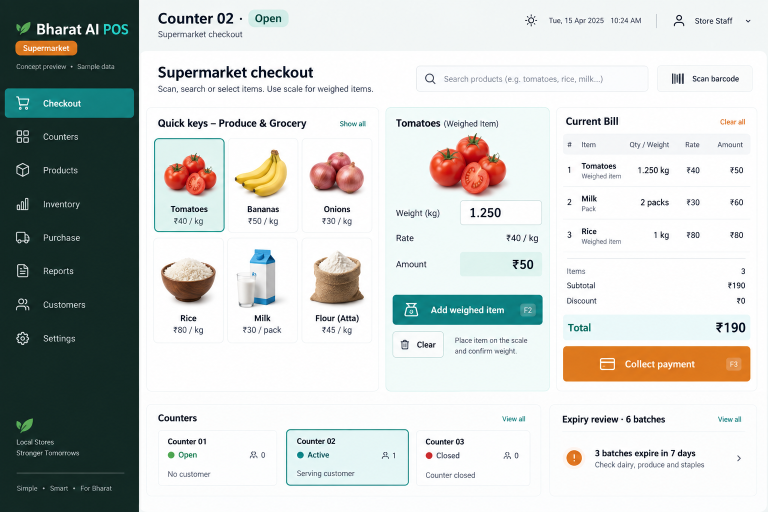
Keep packaged groceries, weighed products and everyday essentials in one billing and inventory workflow.

BHARAT AI POS

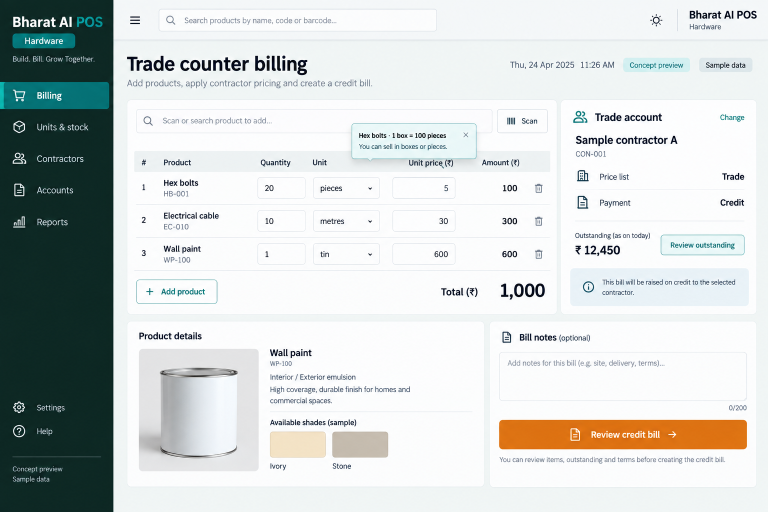
Handle boxes, pieces, kilograms and metres with a stock and billing process built around trade sales.

BHARAT AI POS

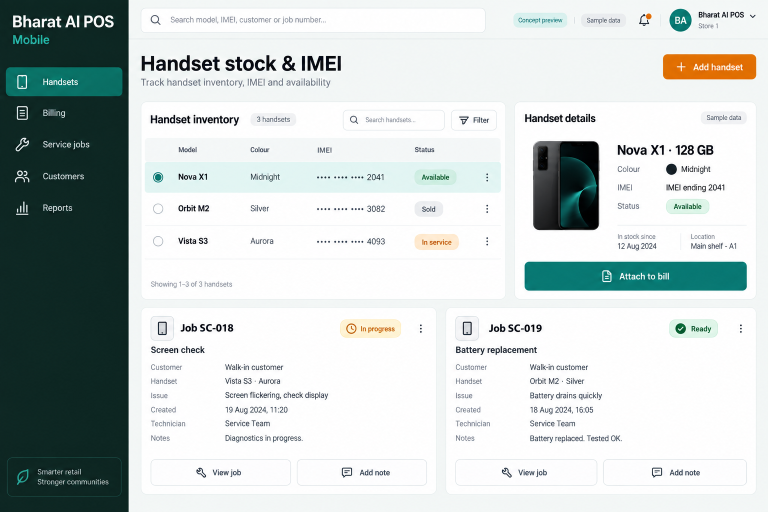
Keep handset sales, IMEI details and service follow-up connected with Bharat AI POS for mobile stores.