BHARAT AI POS • MOBILE STORES

Mobile Shop Billing and IMEI Software

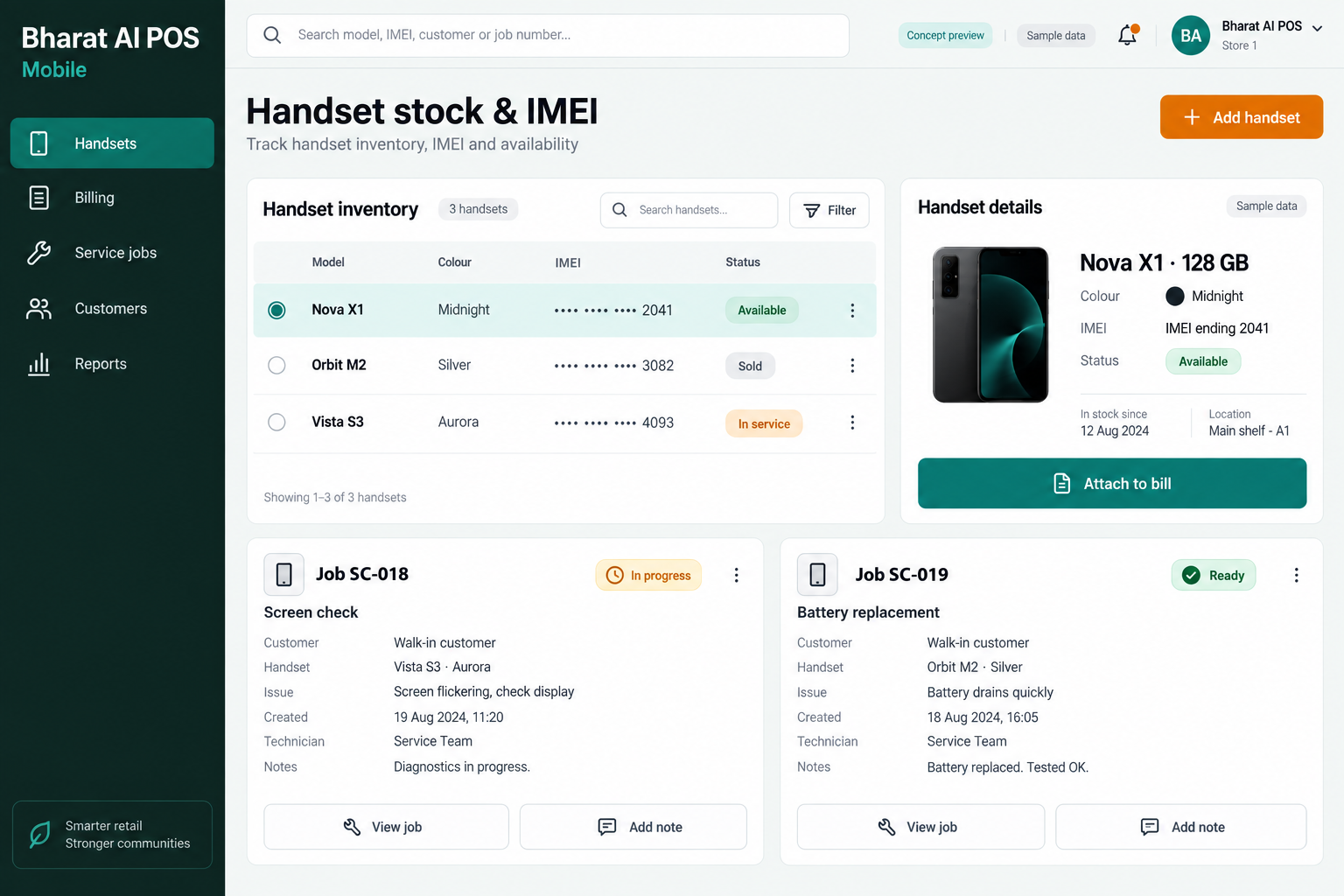
Keep handset sales, IMEI details and service follow-up connected with Bharat AI POS for mobile stores. IMEI tracking on every sale, service job cards with WhatsApp status, EMI and exchange billing, and AI best-seller analysis support the everyday work of phone retailers.
● ● ●
Mobile Shop Billing and IMEI Software
CONCEPT PREVIEW

Illustrative interface with sample data. Select the image to explore it at full size.

BUILT FOR YOUR BUSINESS

A better fit for your daily work.

Independent mobile phone shops
Mobile and accessories showrooms
Phone retailers with service counters
Mobile retail chains

Model names do not identify a handset

Several phones can share the same model and price. Linking the IMEI to each sale helps staff distinguish the specific device involved.

Service customers need clear updates

Customers asking about a repair can interrupt the sales counter. Job cards and WhatsApp status provide a more organised way to handle service follow-up.

Purchasing follows a changing model mix

Popular models can change as demand shifts. Best-seller analysis helps the owner review sales patterns before deciding the next handset and accessory purchase.

SOFTWARE CAPABILITIES

Everything your team needs, connected.

01

IMEI-linked sales

Track the IMEI on every handset sale. Staff verify the device identifier alongside the selected product so the transaction refers to the correct phone.

02

Handset and accessory billing

Use barcode and touch billing for phones and accessories. Keep product descriptions and quantities clear when several items are included in one customer purchase.

03

Service job cards

Record service work through job cards and provide WhatsApp status updates. Agree the information your service team needs and demonstrate the customer handoff during setup.

04

EMI and exchange billing

Support the billing side of EMI and exchange transactions. Confirm your actual finance and exchange process during the demo; named lender connections are not assumed.

05

Customer records and e-bills

Connect customer details with loyalty and WhatsApp e-bills. This gives the store a consistent communication routine for customers purchasing devices, accessories or related services.

06

Stock, accounts and branches

Bring inventory, GST billing, payment reconciliation and sales analytics together. Multi-branch sync and the owner app keep sales and stock visible across the business.

HOW IT WORKS

From the first task to a clearer daily picture.

01

Prepare the product catalogue

Set up clear handset and accessory descriptions with opening stock. Demonstrate the identifiers your team uses before bringing the live catalogue into daily operation.

02

Confirm the selected device

Check the model and IMEI of the actual handset being sold. Use the demonstrated entry process so the sale identifies the correct physical phone.

03

Complete the retail transaction

Add accessories and follow the appropriate normal, EMI or exchange billing workflow. Record payment details and issue the customer’s receipt or WhatsApp e-bill.

04

Manage a service enquiry

Create the service job card using the agreed information. Follow the staff workflow for updating status and sending the customer a WhatsApp message.

05

Review the next purchase

Compare best-selling products, remaining stock and reorder suggestions. The owner decides the buying mix after considering changing demand and supplier availability.

AI ASSISTANCE

Useful insights. Your team in control.

Use forecasts and alerts to guide your review, with people making the final decisions.

Best-seller analysis

Review which products drive sales before making the next buying decision. Use the analysis alongside stock availability and your knowledge of upcoming model changes.

Demand and stock suggestions

Use forecasts and reorder suggestions to support handset and accessory planning. They inform the owner’s decision without committing the shop to a supplier order.

Nightly store summary

Receive a summary of sales and stock points for the next day. Tamil and English voice billing and WhatsApp offers support daily counter work.

REPORTS AND VISIBILITY

A clear view of what matters.

Product sales patterns

Review demand across the phone and accessory range. Identify what deserves attention before ordering more units of the same product.

IMEI transaction review

Inspect the device identifier attached to a sample sale. Confirm any specific IMEI search or export requirement during the demonstration.

Service workflow visibility

Review job cards and the status communication process with your service team. Demonstrate any required service-report layout before confirming the setup.

Collections and branch sales

Review payment reconciliation and synchronised outlet reports. The owner app provides another way to check sales and stock away from the showroom.

EQUIPMENT AND SETUP

Made to work with the right tools.

Bring your existing equipment details. We’ll review compatibility, connectivity and the modules needed for your installation.

YOUR SETUP CHECKLIST
GETTING STARTED

A practical plan for moving forward.

01

Map sales and service

Show a handset sale, an exchange and a service enquiry. Identify the device and customer details needed at each point in the process.

02

Validate the opening catalogue

Prepare items, customers and stock for import. Review IMEI migration using a representative sample from your current system.

03

Practise counter scenarios

Train staff on IMEI verification, combined accessory billing and job-card communication. Confirm the actual EMI and exchange workflow before the store starts using it.

04

Review operations after launch

Check sample transactions and staff handoffs after launch. Use best-seller analysis and stock insights in the owner’s buying review.

COMMON QUESTIONS

Before you choose your software.

Can the IMEI be tracked on each handset sale?

Yes. IMEI tracking on every sale is a mobile-store capability. Demonstrate the entry and verification process using a handset from your actual range.

Service job cards with WhatsApp status are supported. Discuss the stages your service team uses and demonstrate how a customer update is prepared and sent.

EMI billing is supported, but specific lender connections are not confirmed here. Share your finance providers and demonstrate the required transaction process before agreeing the setup.

Exchange billing is part of the mobile-store use case. Your business decides device valuation and acceptance rules; the team demonstrates the corresponding billing process.

Best-seller analysis, forecasts and reorder suggestions provide inputs for buying decisions. The owner considers current model demand, remaining stock and supplier terms before purchasing.

LET’S TALK ABOUT YOUR BUSINESS

See your workflow in action.

Bring your real tasks and questions. We’ll use them to discuss the right configuration, equipment and rollout.

A USEFUL STARTING POINT
KEEP EXPLORING

More ways to support your business.

BHARAT AI POS

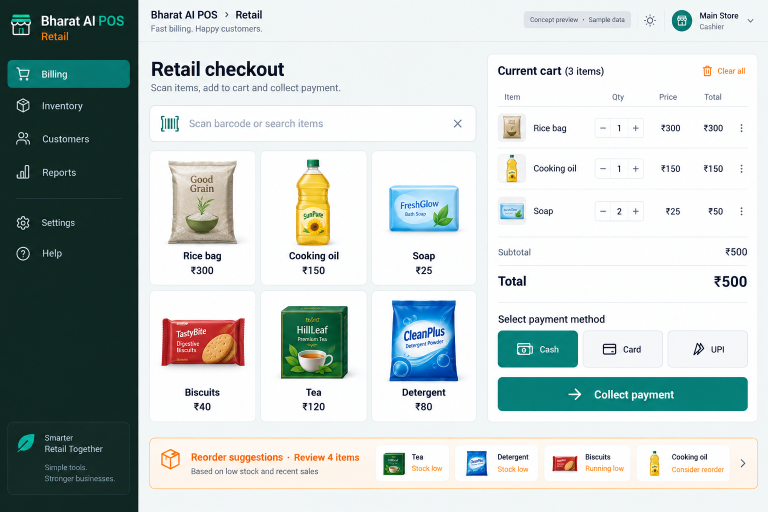
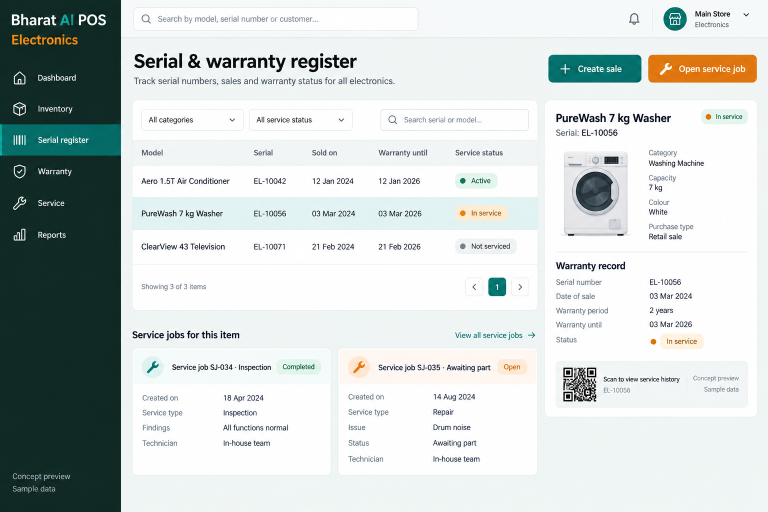
Connect model stock, serial numbers and after-sales service with Bharat AI POS for electronics retailers.

BHARAT AI POS

Run your shop with a connected view of billing, stock and customers.

BHARAT AI POS

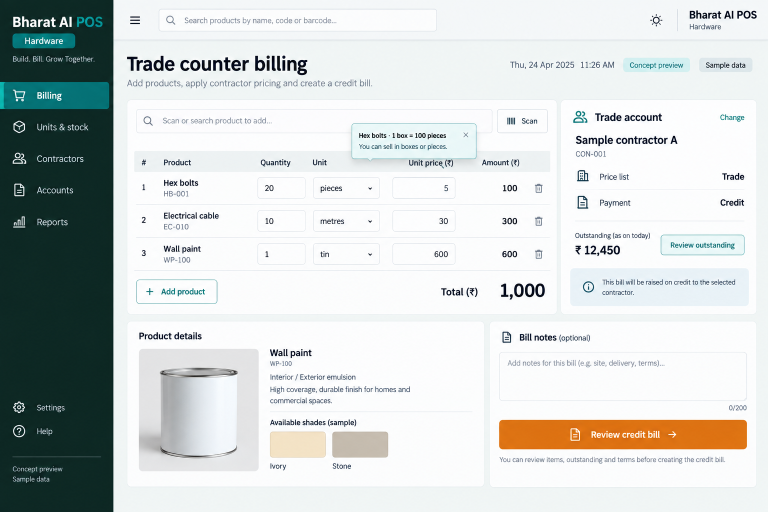
Handle boxes, pieces, kilograms and metres with a stock and billing process built around trade sales.