BHARAT AI POS • PHARMACIES

Pharmacy Billing and Batch Inventory Software

Bring billing, batch stock and expiry visibility together with Bharat AI POS for pharmacies. Batch and expiry-wise inventory, generic alternative lookup, seasonal reorder insights and WhatsApp refill reminders support the shop’s operating routine while keeping medicine selection and dispensing decisions with qualified pharmacy staff.
● ● ●
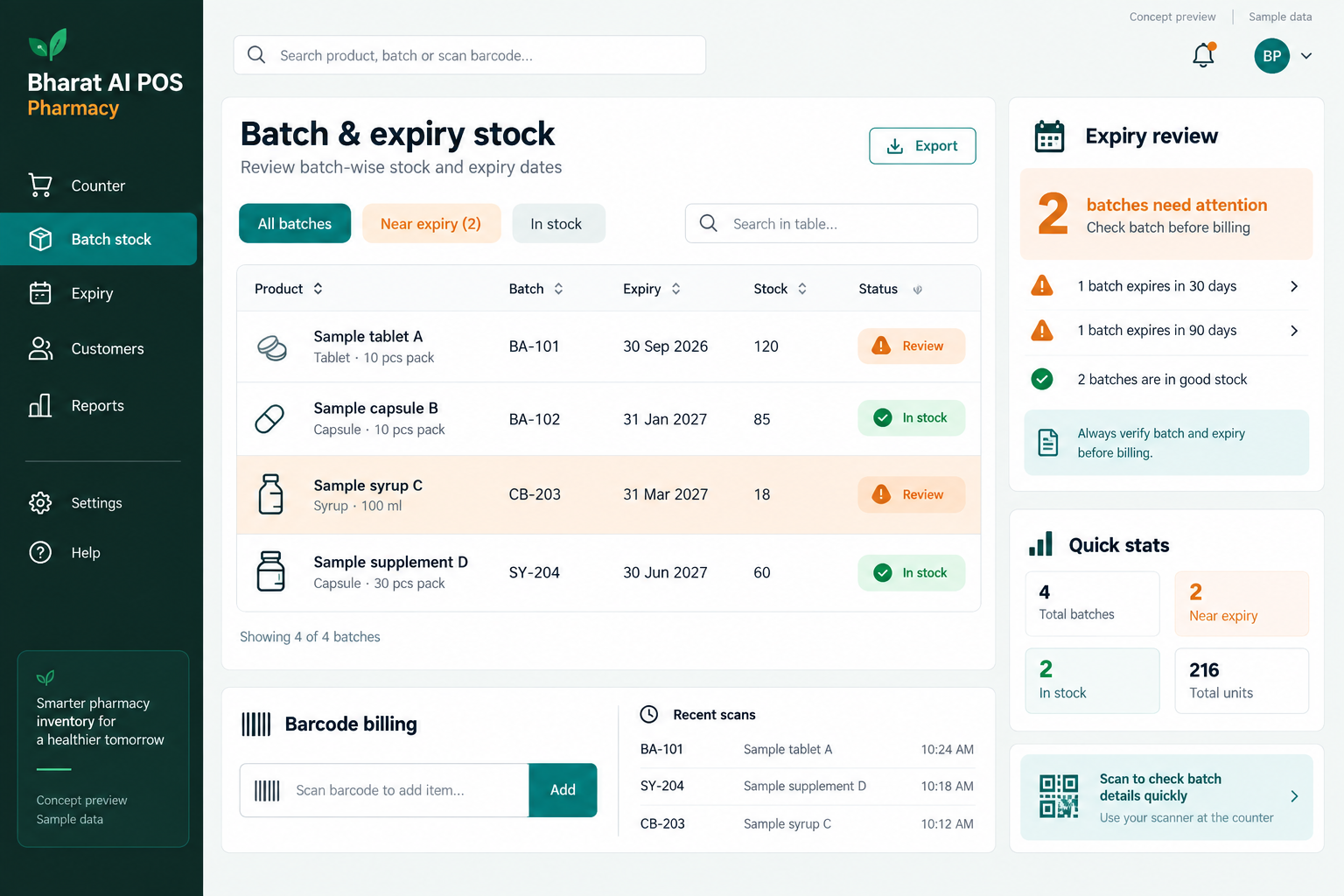
Pharmacy Billing and Batch Inventory Software
CONCEPT PREVIEW

Illustrative interface with sample data. Select the image to explore it at full size.

BUILT FOR YOUR BUSINESS

A better fit for your daily work.

Independent medical shops
Community pharmacies
Pharmacy businesses with several counters
Pharmacy groups with multiple branches

One product, several batches

The same item may be held across different batches and expiry dates. A single overall quantity does not provide enough detail for pharmacy stock review.

Expiry needs a regular routine

Date-sensitive stock requires consistent inspection. Batch and expiry visibility helps staff focus their checks and keep usable availability aligned with what is physically present.

Demand varies across the year

Seasonal changes can affect shop demand. Reorder insights help the pharmacy review stock needs without relying only on a fixed purchase list.

SOFTWARE CAPABILITIES

Everything your team needs, connected.

01

Batch and expiry inventory

Maintain stock by batch and expiry date. Use this detail during receiving and stock checks so staff can review the actual products available.

02

Pharmacy counter billing

Use barcode and touch billing with the shop’s GST details. Demonstrate your pack and selling-unit requirements during setup to confirm the complete counter workflow.

03

Generic alternative lookup

Look up generic alternatives as reference information for qualified pharmacy staff. The software supports information retrieval; it does not decide treatment or replace professional dispensing judgement.

04

Customer and refill communication

Use customer records, WhatsApp e-bills and refill reminders to support ongoing service. Agree how staff maintain accurate contact information and manage the reminder process.

05

Accounts and payment review

Connect GST billing with accounting and payment reconciliation. Review the setup with the person responsible for your financial records and required business reports.

06

Branches and owner visibility

Review stock, prices and reports across pharmacy outlets through multi-branch sync. The owner app provides access to sales and AI alerts away from the counter.

HOW IT WORKS

From the first task to a clearer daily picture.

01

Prepare the item records

Collect product names, barcodes, batch information and expiry dates. Check opening quantities against physical stock before staff use the inventory view for daily operations.

02

Review availability

Find the requested item and review its batch and expiry information. Qualified staff carry out the pharmacy’s normal verification and dispensing responsibilities.

03

Complete the sale

Confirm the selected item and selling quantity, then prepare the bill. Record payment and issue the receipt or WhatsApp e-bill through the agreed process.

04

Maintain stock discipline

Review batch and expiry information alongside shelf checks. Staff investigate discrepancies and follow the pharmacy’s established handling process for stock requiring attention.

05

Plan purchasing and follow-up

Review seasonal reorder insights and customer refill reminders. The pharmacy decides purchase quantities and manages customer communication through its authorised staff.

AI ASSISTANCE

Useful insights. Your team in control.

Use forecasts and alerts to guide your review, with people making the final decisions.

Seasonal reorder insights

Use recorded sales to review changing stock demand across the year. Staff consider current availability, supplier delivery and local demand before approving purchases.

Sales forecasting

Demand forecasts provide another input for pharmacy stock planning. They describe business activity and do not predict an individual customer’s condition or treatment needs.

Nightly business overview

The AI daily summary highlights sales and stock points for the owner. Tamil and English voice billing can be demonstrated with the pharmacy’s actual item names.

REPORTS AND VISIBILITY

A clear view of what matters.

Batch stock view

Review quantities at batch level so availability is more informative than a single product total. Compare the records with physical stock checks.

Expiry attention

Use expiry-wise inventory to focus regular shelf reviews. Discuss any specific expiry-report format required by your team during the demonstration.

Sales and purchase planning

Review product sales patterns and reorder insights together. Use them to prepare a purchasing discussion with the staff responsible for inventory.

Collections and outlet activity

Use payment reconciliation and synchronised branch reports for the daily financial review. The owner can also check sales through the mobile app.

EQUIPMENT AND SETUP

Made to work with the right tools.

Bring your existing equipment details. We’ll review compatibility, connectivity and the modules needed for your installation.

YOUR SETUP CHECKLIST
GETTING STARTED

A practical plan for moving forward.

01

Demonstrate pharmacy requirements

Bring representative products with several batches and expiry dates. Discuss pack sizes, selling units and the stock information staff need at the counter.

02

Check the opening inventory

Import item and customer data, then validate batch quantities and dates. Reliable opening records are essential for meaningful expiry and availability reviews.

03

Train qualified staff

Practise item lookup, batch review, billing and refill communication. Keep the software workflow aligned with the pharmacy’s existing professional and operating responsibilities.

04

Agree ongoing stock checks

Assign responsibility for expiry review, stock checks and purchasing. Review early sales history before relying heavily on seasonal patterns.

COMMON QUESTIONS

Before you choose your software.

Can stock be maintained by batch and expiry?

Yes. Batch and expiry-wise stock is a pharmacy capability. Use several batches of one product during the demo to verify the daily workflow.

No. It provides lookup information for qualified pharmacy staff. Decisions about medicine selection, suitability and dispensing remain with the appropriate healthcare professional and pharmacy team.

WhatsApp refill reminders are part of the pharmacy use case. Discuss customer details, reminder timing and the staff process before configuring the communication workflow.

Your exact pack, strip and loose-unit requirements should be demonstrated before the setup is agreed. Bring examples so the team can confirm the billing and stock behaviour.

Share the specific records and reports your pharmacy needs during the demo. The team can review those requirements alongside billing, inventory, customer communication and sales insights.

LET’S TALK ABOUT YOUR BUSINESS

See your workflow in action.

Bring your real tasks and questions. We’ll use them to discuss the right configuration, equipment and rollout.

A USEFUL STARTING POINT
KEEP EXPLORING

More ways to support your business.

BHARAT AI POS

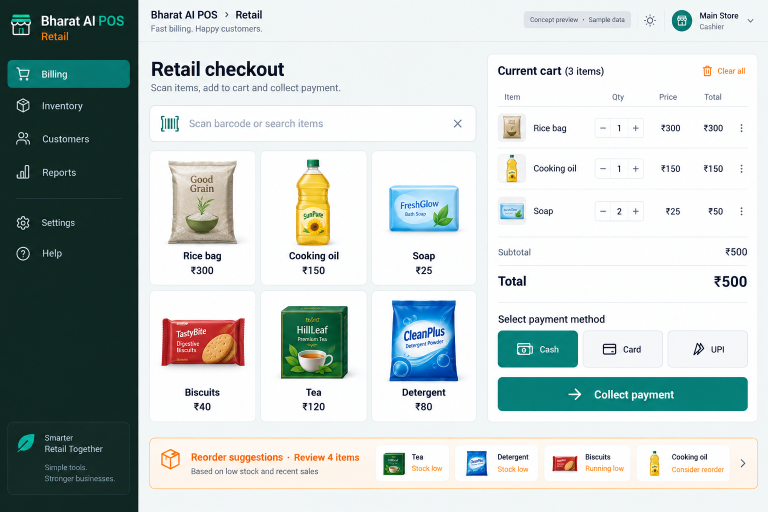
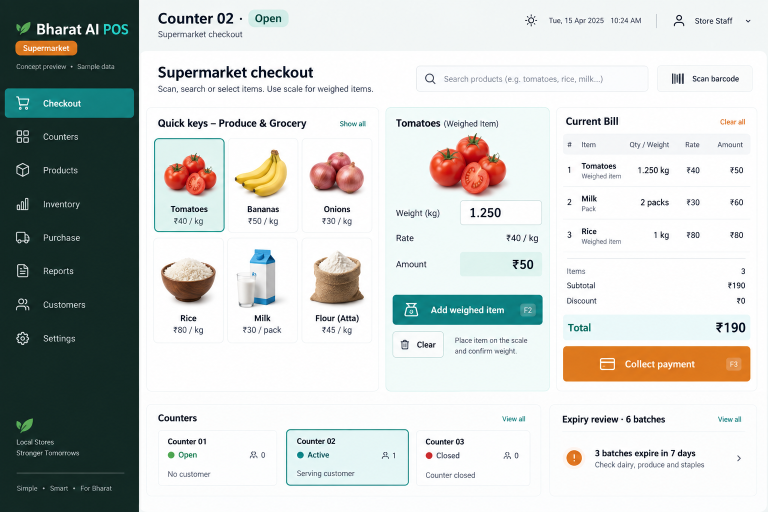
Keep packaged groceries, weighed products and everyday essentials in one billing and inventory workflow.

BHARAT AI POS

Run your shop with a connected view of billing, stock and customers.

BHARAT AI POS

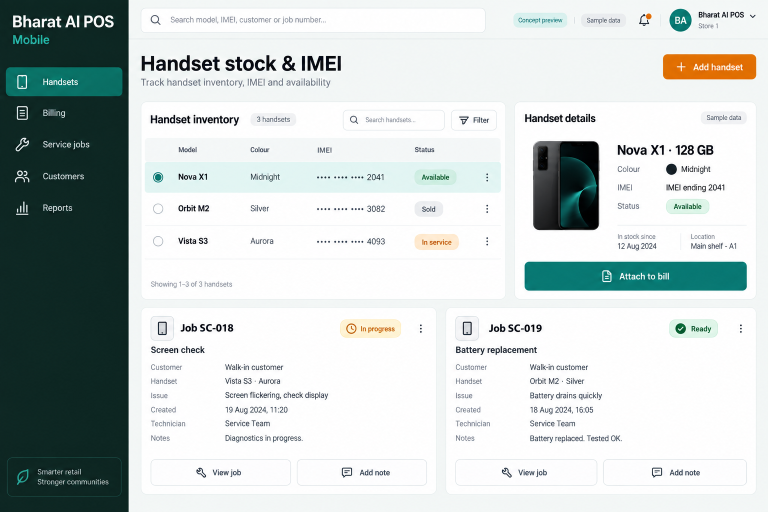
Keep handset sales, IMEI details and service follow-up connected with Bharat AI POS for mobile stores.